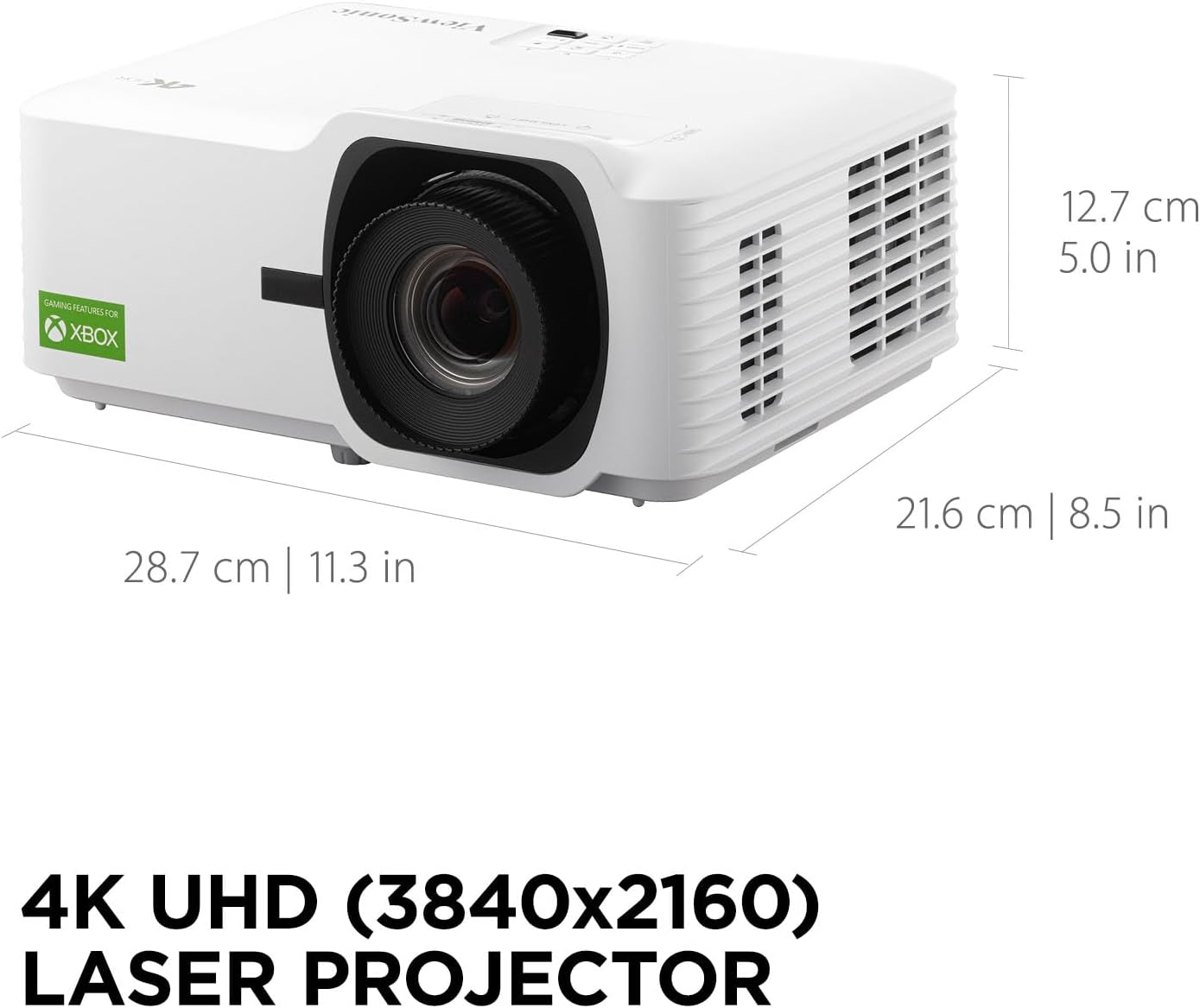
Key specs that separate casual projectors from serious gaming projectors
Several technical details quietly decide whether a projector is merely acceptable for gaming or truly among the best home theater projectors for gaming. Input lag, refresh rate, HDR tone mapping, and the flexibility of the lens shift or zoom system all shape how easily you can integrate the projector into a real home cinema. When you read spec sheets, translate each number into a practical effect on your games rather than treating it as abstract marketing.
Input lag measures the delay between your button press and the projected image changing, and it matters more for a gaming projector than almost any other metric. Competitive players should target projectors with game modes that cut input lag to around 8 to 16 ms at 1080p and under 25 ms at 4K, because those figures keep fast games like shooters or racing titles feeling responsive. Many of the best gaming projectors now support 120 Hz or even 240 Hz refresh rate at lower resolutions, which reduces motion blur and makes camera pans look closer to a high end gaming monitor.
Resolution and HDR support determine how much fine detail and dynamic range you see in modern games, especially on a large screen between 100 and 120 inches. A 4K projector with good HDR tone mapping can reveal subtle shadow detail and bright highlights, but only if its light source and color management maintain consistent brightness and accurate color. If you are comparing LCD and DLP projectors for gaming, this guide to LCD home theater projectors offers useful context on how panel technology influences contrast and motion handling.
Throw distance, room layout, and choosing between short throw and ultra short models
Room size and throw distance often decide which of the best home theater projectors for gaming will actually fit your space. Traditional long throw projectors sit several metres behind the seating position, while short throw and ultra short throw designs can create a large image from very close to the screen. Before you think about brands, measure your room carefully and read each projector throw ratio to confirm it can fill your desired screen size.
A short throw gaming projector is ideal for smaller rooms or for players who want to sit close to the screen without casting shadows across the image. Ultra short models sit just centimetres from the wall and project upwards, turning a simple cabinet into a compact home cinema that works even when the room doubles as a living space. If you are unsure which throw style suits you, this in depth article on ultra short throw projectors from 80 to 200 inches explains how distance, brightness, and ambient light interact.
Budget also plays a role, because ultra short throw projectors with strong gaming features still cost more than many standard projectors. When you compare prices, think in terms of long term value and not only the initial credit card charge, especially if you plan to keep the projector through several console generations. For a deeper look at how marketing claims sometimes exaggerate performance, the analysis of the 500 euro projector segment shows which specifications genuinely matter and which are mostly spec sheet mirages.
Brand examples: BenQ, Sony, Xgimi, Optoma and others in real gaming rooms
Brand reputation still matters when you shortlist the best home theater projectors for gaming, because firmware support and build quality affect your experience long after purchase. BenQ has built a strong following among console players by focusing on low input lag and bright images that work well in mixed light living rooms. Several BenQ gaming projector models offer dedicated game picture modes that tune color and brightness for popular genres, which helps new users avoid complicated calibration.
Sony Bravia projectors lean on advanced image processing and rich color reproduction, making them attractive for players who also watch a lot of films in their home cinema. A Sony Bravia 4K projector with good HDR handling can make open world games look cinematic, though you should still check that its gaming mode keeps input lag within acceptable limits. Optoma UHZ series projectors use laser light source technology to deliver high brightness and long life, and an Optoma UHZ model with a short throw lens can be a strong choice for multi purpose rooms where you cannot fully control ambient light.
Portable and lifestyle focused brands such as Xgimi have also entered the gaming space with models like the Xgimi Horizon and Xgimi Horizon Ultra, which combine compact design with surprisingly strong brightness. The Horizon Ultra in particular targets players who want a flexible gaming projector that can move between rooms yet still handle HDR games with convincing color and contrast. When you compare these brands, list your reasons to buy and reasons to avoid each model, then match them against your room, your budget, and the types of games you play most often.
Balancing brightness, HDR, and color for both games and films
Brightness, HDR performance, and color accuracy must work together if you want the best home theater projectors for gaming that also handle films gracefully. A projector with high lumens but poor color management can make HDR games look harsh, while a beautifully calibrated model with too little brightness will struggle against even modest room light. Aim for a balance where the projector delivers enough ANSI lumens for your screen size while still preserving subtle color gradations and shadow detail.
Modern gaming projectors often support HDR10, and some higher end models add dynamic tone mapping that adjusts the image scene by scene. This matters because many games push bright highlights and deep shadows simultaneously, and a projector with limited HDR control may clip detail in one area or the other. When you evaluate HDR quality, look at how well the projector maintains texture in dark caves or night scenes while still keeping neon signs and explosions vivid without blowing out the image.
Color performance is equally important, especially for stylised games and animated films that rely on saturated hues. A wide color gamut combined with a stable light source, whether laser or LED, helps maintain consistent image quality over time and reduces the risk of color shift as the projector ages. If you often switch between games and cinema content, choose a model with separate calibrated modes so you can keep one profile tuned for best gaming responsiveness and another optimised for film accuracy.
Practical setup tips to get the best gaming performance from your projector
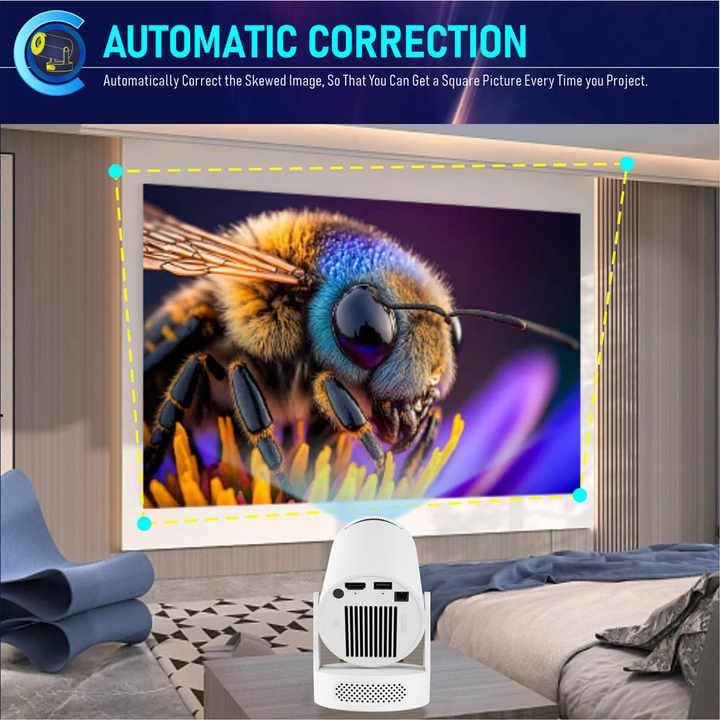
Even the best home theater projectors for gaming can underperform if they are not installed and configured carefully. Start by aligning the projector physically with the screen using lens shift and zoom rather than relying heavily on digital keystone correction, which can soften the image. A well aligned projector preserves resolution and keeps text in game menus crisp, which matters when you sit close to a large screen.
Next, enable the dedicated game mode or low latency mode in the projector menu, because this usually bypasses heavy image processing that increases input lag. Some gaming projectors also offer variable refresh rate support or at least 120 Hz input, so pair them with consoles or PCs that can output matching signals for smoother motion. If your model allows it, measure input lag with a simple test device or rely on reputable lab measurements, then adjust settings until you reach the best compromise between responsiveness and image enhancement.
Room control remains crucial, since even a bright projector with thousands of ANSI lumens will lose contrast if stray light hits the screen. Use dark wall colours, blackout curtains, or at least dimmable lights to protect the projected image, and consider an ambient light rejecting screen if your home cinema doubles as a daytime living room. Finally, keep a small notebook of your preferred settings for different games, because switching between competitive shooters and cinematic adventures often requires different brightness, color, and HDR levels to maintain optimal quality.
Key figures that shape the gaming projector market
- Market analysts report that global projector shipments for home use passed roughly 4 million units in recent years, with gaming projectors representing a steadily growing share of that demand according to industry tracking firms such as Futuresource Consulting and Omdia.
- Independent testing labs and specialist review sites, including RTINGS and ProjectorCentral, frequently measure input lag on dedicated gaming projectors between about 8 and 16 ms at 1080p 120 Hz, compared with 40 ms or more on many older home cinema projectors without gaming modes.
- Surveys of home cinema enthusiasts on forums like AVS Forum and data from projector screen manufacturers indicate that screen sizes between 100 and 120 inches remain the most popular range for gaming setups, because they balance immersion with the brightness limits of typical living room projectors.
- Energy efficiency improvements in modern laser light source designs can reduce power consumption by roughly 20 to 30 percent compared with older lamp based projectors of similar brightness, based on manufacturer specification comparisons from brands such as BenQ, Optoma, and Epson.
- Consumer research published by major electronics retailers and analyst groups suggests that more than half of buyers now list gaming as a primary reason to buy a projector, not just an occasional secondary use after films and streaming.