
Summary
Editor's rating
Is it worth the money?
Design and build: definitely not cheap plastic territory
Build, heat and long‑term impressions
Picture and gaming performance: strong once you spend time in the menus
What you actually get with the StreamMaster Plus2
Smart features and daily use: mostly smooth, with a few quirks
Pros
- Very good 4K picture quality with strong colours and decent black levels after calibration
- Low input lag and high refresh options make it genuinely suitable for gaming
- All‑in‑one setup with Google TV, voice control and casting (AirPlay 2, Chromecast, Miracast) reduces need for extra devices
Cons
- Picture presets out of the box are mediocre and require manual tweaking to look their best
- Some software quirks (e.g. BBC iPlayer issues in the UK, imperfect eARC volume indicator)
- High price means it’s overkill for casual or occasional use compared to a large TV

Specifications
View full product page →| Brand | Valerion |
A projector that finally made me consider ditching a TV
I’ve been using the AWOL Valerion StreamMaster Plus2 in my living room for a few weeks, mainly for movies at night and some PS5 gaming. I came from a mid-range LCD projector and a 65" TV, so I wasn’t brand new to projectors but I’m also not some hardcore calibrator with meters and test patterns. I just wanted a big, sharp picture that doesn’t wash out every time I forget to close the curtains, and something that doesn’t lag like crazy when I play shooters.
Out of the box, this thing clearly feels like a higher-end bit of kit. It’s heavy, the carry case is solid, and nothing rattles. At the same time, the first power-on reminded me that projectors are never totally plug-and-play. The picture presets were a bit off for my taste and I had to spend a good evening poking through menus to get it dialed in. Once I did, though, it looked very good on a plain white wall and even better on a proper screen.
What stood out pretty quickly: brightness is decent for a laser unit at this price, blacks are better than the cheap DLP machines I’ve tried, and input lag in game mode really does feel low. Netflix, YouTube and the usual apps were already there with Google TV, so I didn’t have to hook up a Fire Stick or anything. On the downside, the BBC iPlayer limitation for UK users is annoying if you watch a lot of live or catch-up TV through that.
So overall, my first impression is that the StreamMaster Plus2 is a pretty solid all-round home cinema projector that leans a bit more towards film and gaming fans than casual users who just want something brain-dead simple. It’s not perfect, and for this price I would have liked better picture presets out of the box and fewer little quirks, but once it’s tuned, it delivers a very satisfying big-screen experience.
Is it worth the money?
This is not a budget projector. The StreamMaster Plus2 sits in that price range where you start thinking, “For this money I could buy a very good 75–85" TV.” So the obvious question is whether the big-screen experience and features justify the cost. If you’re just watching the news and the odd Netflix show, probably not. But if you’re into films, series, sports and gaming and you actually use the 100"+ size regularly, it starts to make sense.
Compared to cheaper projectors (Yaber K2s, random Amazon brands), the step up in picture quality, contrast, black levels and motion is clear. Compared to something like a Dangbei or some Hisense models, it’s more nuanced: the AWOL has stronger gaming credentials (low input lag, higher refresh) and a more premium feel, but it also needs more tweaking out of the box to look its best. One reviewer said they’d give it 4.5 stars mainly because the default presets are weak – I agree. If you’re the type to leave everything on “Standard”, there are probably easier options that look better without effort.
Where it does score well on value is the all‑in‑one aspect. You don’t need to buy a separate streaming stick, you get a solid remote, a proper carry case, modern connectivity (AirPlay 2, Chromecast, Miracast), and performance that’s good enough for both cinema nights and responsive gaming. You also dodge the insane prices of very large TVs – a half‑decent 120" TV is in silly territory, while here you get that size with decent quality for much less.
So in terms of value, I’d say: for casual users, it’s probably overkill. For people who really care about picture size, 4K content and low input lag, and who don’t mind spending an evening tuning settings, it’s good value but not a bargain. You’re paying a fair price for what you get, not getting a steal – and that’s fine if it fits how you actually watch and play.
Design and build: definitely not cheap plastic territory
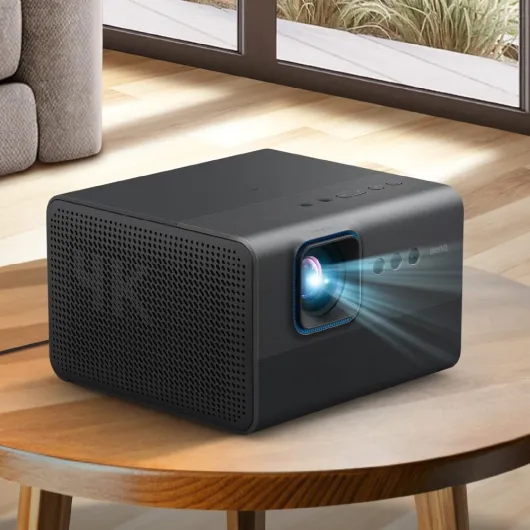
Physically, the StreamMaster Plus2 looks and feels like a premium bit of gear. It’s about 26 x 18.5 x 23.4 cm and weighs 7 kg, so it has some presence on a table or stand. The Pearl White finish with the chrome details on the sides looks clean and more “home” than “office projector”. I had the white version in a neutral living room and it blended in pretty well – it doesn’t scream “gamer gadget” or “office hardware”. If you’re fussy about decor, this helps.
The build quality is solid. No creaks, no flex when you pick it up, and the vents and lens area feel properly assembled. Compared to cheaper projectors I’ve owned (and even some from bigger brands), this one doesn’t have that hollow, plasticky feel. The carry case it comes in is actually useful too – it’s padded and sturdy, so if you’re taking it to a friend’s house or using it occasionally for work presentations, it’s reassuring. The previous Hisense C2 I tried felt a lot cheaper in the hand and that difference is obvious.
On the back, ports are laid out logically. You don’t get a crazy amount, but there’s enough: multiple HDMI, USB 3.0, S/PDIF, and the power connector. The remote deserves a mention: it’s backlit and responsive, with shortcuts to streaming apps, and the buttons are not crammed together. In a dark room, this matters more than you think. It’s still plastic, but it doesn’t feel flimsy, and I never had lag between button presses and on-screen response.
If I had to nitpick the design, I’d say: it’s not exactly compact, so if your plan is to stash it in a small media unit, you’ll need to measure first. Also, because it looks nice, you kind of feel guilty leaving it in a dusty corner. But overall, for this price range, the design and build hold up well: it looks like a serious home cinema product, not a toy.
Build, heat and long‑term impressions
I obviously haven’t had this projector for years, so I can’t pretend to know how it will age, but I can talk about feel, heat and a small failure case from reviews. Out of the box, the chassis feels robust, and the cooling system seems well thought out. During long movie nights (2–3 films back to back), the unit gets warm but not roasting hot, and the fan noise is present but not distracting once you have normal volume. It’s more of a low whoosh than a high-pitched whine, which helps.
One Amazon reviewer mentioned that their first unit had a fan failure and kept shutting down with a red light. That’s obviously not ideal, but to Valerion’s credit, they handled the return and replacement fairly quickly according to that review. My unit hasn’t shown anything like that so far. I’ve run it for several hours at a time on weekends and some shorter weeknight sessions, and it’s been stable. No random shutdowns, no obvious overheating warnings, no weird noises.
The dust‑proof design is also worth mentioning. Projectors can be dust magnets, especially if you leave them out all the time. After a few weeks in a fairly dusty living room (pets, open windows, the usual), the vents and lens area still looked clean. Obviously you still need to wipe it down occasionally, but it doesn’t seem overly sensitive. The carry case makes it easier if you’re the type who packs it away between uses, which should help with long‑term life.
With a laser light source, you usually expect a long lifespan compared to lamps, so if the electronics and fans hold up, this should last several years of regular use. The 2‑year warranty is okay but not spectacular for this kind of product; at this price, I would have liked 3 years. Overall, it gives a good impression of durability, but like any projector, you’re betting on the brand’s quality control. Based on the reviews and my experience, it’s not bulletproof, but it doesn’t feel fragile either.
Picture and gaming performance: strong once you spend time in the menus
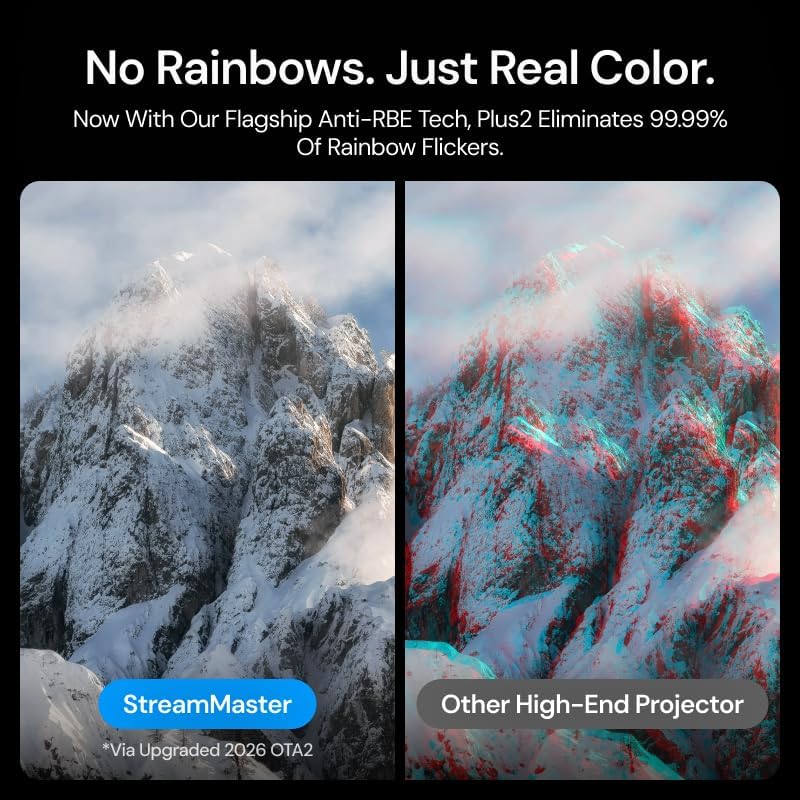
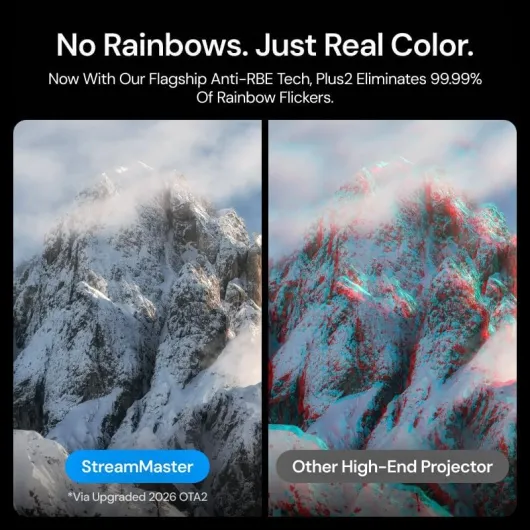
This is where the StreamMaster Plus2 earns its keep. The triple laser light source gives you very punchy colours and decent black levels for a projector in this class. Coming from a cheaper LCD projector, the first movie I threw on (a 4K HDR sci‑fi film) looked immediately sharper and more contrasty, even projected straight on a white wall. When I switched to a proper 120" ALR screen, it stepped up again. Fine details like film grain and textures in dark scenes stay visible without turning into grey mush.
Out of the box, though, I wasn’t blown away by the factory presets. SDR modes looked too processed and a bit off in terms of colour and gamma. HDR and Dolby Vision were better but still not perfect. After about an hour of tweaking – turning down some of the motion smoothing, adjusting brightness/contrast and colour temperature, and tweaking laser brightness – I got a very clean, sharp, and natural-looking image. One of the user reviews mentioned laser speckle being noticeable with default settings, and I saw something similar: on bright uniform areas, you can see a bit of speckle, but dialing in settings and using a good screen reduces it a lot.
For gaming, the advertised 4 ms input lag and 240 Hz refresh rate are clearly aimed at competitive players. In practice, I don’t have lab tools to measure lag, but on PS5 and PC, it felt very responsive. In fast shooters and racing games, I didn’t feel any noticeable delay between controller input and on-screen action. Compared to my older projector, it’s night and day. One user even mentioned using it at a festival for visuals, which makes sense – colours are strong and the image holds up well even at large sizes.
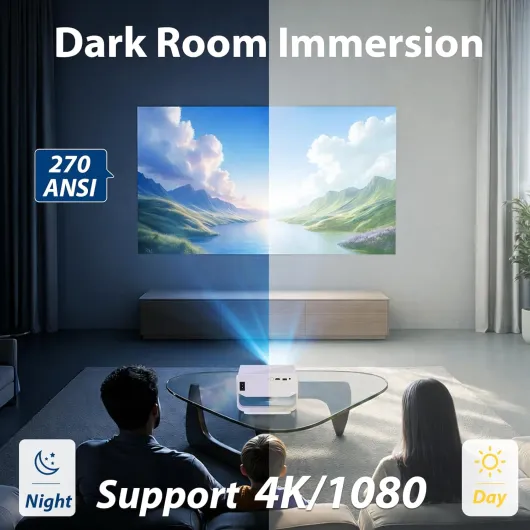
Motion handling is also pretty solid. On a 4K nature documentary, panning shots stayed smooth without obvious stutter once I found the right motion setting (I turned off the aggressive interpolation to avoid that soap-opera effect). With some lights on or daylight leaking through blinds, the 2000 ANSI lumens are enough for casual viewing, but this is still a projector: for a real cinema feel, you still want a dim room. It’s not a miracle daylight beamer. Overall, performance is very good once you accept that you’ll need to tune it – if you’re the type who hates menus and calibration, that’s something to keep in mind.
What you actually get with the StreamMaster Plus2
On paper, the StreamMaster Plus2 throws a lot of buzzwords at you: triple laser, 4K, Dolby Vision, IMAX Enhanced, 4 ms input lag, Google TV, 2000 ANSI lumens, 10,000:1 contrast, 300" image, all that. In practice, it’s a 4K laser projector with built-in smart TV features that should cover most home cinema and gaming needs without extra boxes. It weighs about 7 kg, so it’s not some tiny portable unit you toss in a backpack, but it’s still manageable to move between rooms if you want.
You get HDMI ports on the back (enough for a console, a Blu-ray player and maybe a streaming box if you still want one), USB, and digital audio out. There’s Wi‑Fi built in and it runs Google TV, so you can install apps directly. It supports AirPlay 2, Chromecast and Miracast, which is handy if friends come over with their phones or laptops and want to fling stuff on the big screen. It also plays nice with Alexa, Google Home and Apple HomeKit if you’re into the whole voice-control thing.
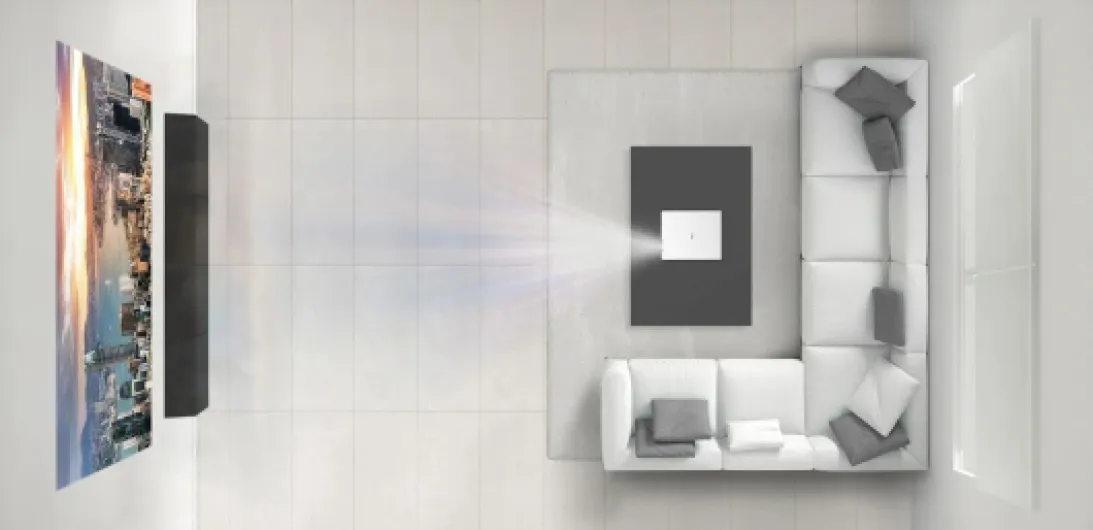
The projector is rated up to 300" but in real life I mostly used it between 100" and 120", which is already huge in a normal living room. The minimum image size is about 40" and the throw distance is fairly standard; I had it roughly 3.5–4 m from the screen for around 110". It has auto focus, auto keystone, auto alignment and obstacle avoidance. Those features actually work, but they’re not magic – you still need to place the projector decently and sometimes fine-tune manually.
Overall, as a package, the StreamMaster Plus2 is basically a self-contained home cinema hub: picture, streaming apps, voice control and enough performance for gaming. You don’t need to be a tech wizard to use it, but you do need a bit of patience to find the best settings and a room that can handle a big projected image. If you’re expecting a TV-like plug-in-and-forget experience on day one, you might be a bit surprised by the amount of tweaking to get the best out of it.

Smart features and daily use: mostly smooth, with a few quirks
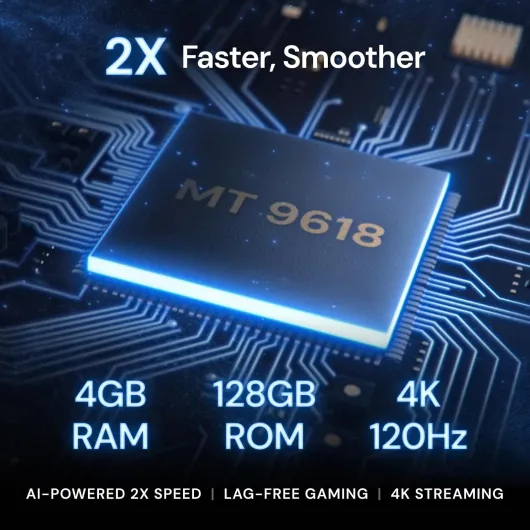
In daily use, the StreamMaster Plus2 works well as an all‑in‑one entertainment hub. Google TV is fast thanks to the beefier chipset (4 GB RAM / 128 GB storage). Apps open quickly, and hopping between Netflix, YouTube and Disney+ doesn’t feel sluggish. Compared to cheaper projectors with underpowered chips, the difference is noticeable – no endless spinning circles every time you switch apps. 4K streaming runs smoothly as long as your Wi‑Fi is decent.
Voice control is another part that actually works. I linked it to Google Home and could turn it on/off and launch apps with voice commands. It’s one of those things you don’t think you need until you’re already sat down and realise the remote is across the room. It also works with Alexa and Apple HomeKit, though I only tested Google. Auto focus, auto keystone, auto screen alignment and obstacle avoidance do a good chunk of the setup for you. When I shifted the projector to a different table height, it quickly refocused and adjusted the keystone. Not perfect every time, but good enough that I only had to do small manual tweaks.
There are a few annoyances. For UK users, BBC iPlayer doesn’t work properly, which is a pain if you rely on that instead of a set‑top box. Also, one user pointed out that the on‑screen volume indicator doesn’t work correctly when using eARC – I saw the same thing when I hooked it to my AV receiver. The sound does change, but the on‑screen bar doesn’t always reflect it. Not a deal‑breaker, just sloppy. Also, first-time Wi‑Fi setup gave me some trouble – it refused to connect to my 5 GHz network until I restarted both the router and the projector.
Once it’s all set up, though, everyday use is pretty straightforward: you turn it on, it adjusts, you launch your app and you’re watching something within a minute. As a replacement for a smart TV, it does the job well enough that I stopped using my external streaming stick. Just don’t expect the same level of polish you’d get from a high-end TV OS – this is good, but there are still occasional hiccups and minor bugs.
Pros
- Very good 4K picture quality with strong colours and decent black levels after calibration
- Low input lag and high refresh options make it genuinely suitable for gaming
- All‑in‑one setup with Google TV, voice control and casting (AirPlay 2, Chromecast, Miracast) reduces need for extra devices
Cons
- Picture presets out of the box are mediocre and require manual tweaking to look their best
- Some software quirks (e.g. BBC iPlayer issues in the UK, imperfect eARC volume indicator)
- High price means it’s overkill for casual or occasional use compared to a large TV
Conclusion
Editor's rating
After living with the AWOL Valerion StreamMaster Plus2 for a bit, my view is pretty clear: it’s a strong home cinema and gaming projector for people who actually care about picture quality and are prepared to spend some time setting it up. The triple laser engine, solid contrast and Dolby Vision support give you a sharp, colourful image with decent blacks once you tweak the settings. Gaming performance is one of its best points – input lag feels very low, and fast games play smoothly without that annoying delay you get on cheaper gear.
It’s not perfect. Out‑of‑the‑box presets are average, and if you never touch the picture settings, you’re leaving a lot of quality on the table. Some small software quirks (like BBC iPlayer issues in the UK and the eARC volume indicator oddity) show that the software side still needs polish. And the price means you really need to use the big screen a lot to justify it versus a big TV. But the build quality, the included carry case, the responsive Google TV experience and the solid integration with smart home systems make it a serious option if you want one device to handle films, series, sports and gaming on a huge screen.
Who is it for? Film and series fans who actually dim the lights, gamers who care about lag, and people who want a big-screen setup without juggling extra streaming sticks and boxes. Who should skip it? Casual viewers who mostly watch daytime TV, people who hate tinkering with picture settings, and anyone on a tight budget. If you fall into the first group and you’re okay with the price, this projector will probably make you pretty happy once it’s dialed in.