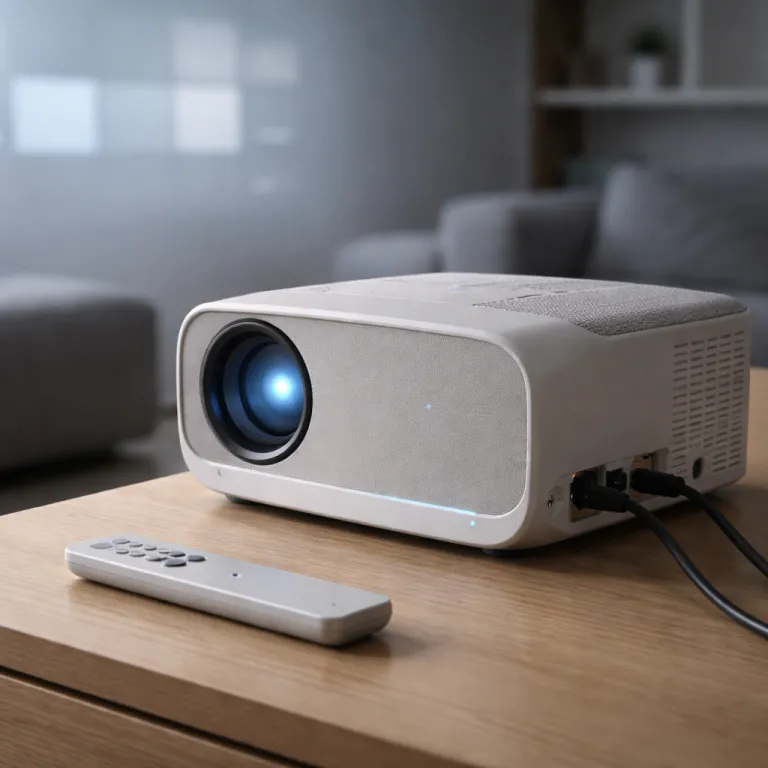
Why a smart projector with Google TV finally makes sense
A smart projector with Google TV used to feel like a half baked idea. Early models paired decent optics with clunky software, and the result rarely justified the price. Today the platform finally matches the hardware, and recent 4K living room projectors such as the XGIMI Horizon Pro (rated around 2,200 ANSI lumens with sub‑25 ms input lag in game mode) show that a smart projector Google TV setup can anchor a real family cinema. For parents in the United States weighing price, picture quality and long term support, the operating system now matters as much as lumens, input lag or throw ratio.
On paper every projector looks smart, with colorful icons and a few apps, yet most budget projectors ship with sluggish Android forks that stop getting updates as soon as the sale price drops. Google TV changes that by tying your streaming apps, watchlist and kids profiles to your Google account, so your content and recommendations follow you from living room TV to smart projector. When you buy a smart projector you are no longer just buying a product, you are buying into an ecosystem that decides which streaming services, games and educational apps your family can actually use.
Recent Google TV projectors are built with the platform and Gemini AI at their core, not bolted on as an afterthought. That means the Google projector interface boots quickly, handles reviews loading inside the Play Store smoothly and keeps Wi‑Fi and Bluetooth connections stable while you browse. In daily use the difference between this kind of Google smart platform and a generic Android menu is as stark as the gap between a triple laser flagship and a dim white brightness toy from an online marketplace, a contrast that shows up clearly in side by side tests of HDR tone mapping, motion handling and real world brightness.
Gemini AI on the big screen: what actually changes for families
Gemini AI inside Google TV sounds like marketing until you live with it for a month. On a modern smart projector Google TV setup, Gemini quietly reshapes how you search, what you watch and even how the projector tunes its own picture. For a budget conscious family juggling kids, guests and game nights, that invisible assistance can matter more than a small bump in resolution or a minor contrast upgrade, especially once you notice fewer dead ends in search and more relevant suggestions across Netflix, Disney+ and YouTube.
Voice control is where Gemini feels least gimmicky and most like a real upgrade over older Google projectors or basic streaming sticks. You hold the remote, ask for “animated films for kids under ten with four stars or more on reviews”, and the system parses that natural language instead of forcing you to type through clumsy on screen keyboards. Because the interface is built Google style around your Google profile, it can blend your Netflix and YouTube history, your installed apps and your existing content purchases into one coherent set of suggestions, cutting down the time between turning on the projector and actually watching something.
Gemini also enables scene based picture tweaks that go beyond the usual bright, cinema and game presets found on many projectors. During a dark dialogue heavy scene the smart projector can subtly raise gamma and white brightness while keeping black levels acceptable, then shift toward higher brightness and cooler color temperature when a football match or animated film hits the screen. It is not magic, and a calibrated laser projector or a carefully tuned LED model like the short throw smart portable LED projector with WiFi Bluetooth still wins for purists who chase reference level color accuracy and low input lag, but for most families the hands off experience is worth more than manual tweaking.
Google TV versus Android TV and proprietary systems
Not every smart projector is equal, even when the home screen looks vaguely familiar. Google TV, Android TV and proprietary systems like Samsung Tizen or custom Linux shells all compete for space on the same white wall, yet they age very differently. If you care about long term app support and reliable streaming, the operating system choice can be a bigger deal than a small difference in price regular versus regular price, because a broken Netflix app or missing HDR support can undermine even the brightest projector.
Google TV is effectively the modern skin and recommendation layer that sits on top of Android TV, but in practice projectors that ship with Google TV tend to receive more frequent app updates and better curation of streaming apps. XGIMI projectors that run Google TV, for example, feel closer to a Chromecast with Google TV dongle than to the clunky interfaces on many no name projectors sold at a tempting deal. By contrast, many budget projectors in the United States rely on outdated Android builds where key apps like Netflix or YouTube either break, lose HD support or require awkward workarounds, and owners often report that firmware updates stop arriving within the first year.
Proprietary systems can shine in narrow ways yet often fall short for families who just want every major app to work. Samsung’s Freestyle line uses Tizen, which is slick and stable but sometimes lags behind Google TV in niche streaming apps and advanced voice control features. Ultra short throw models such as the first triple laser UST projector may pair cutting edge triple laser light engines with limited app stores, forcing you back to an external streaming stick despite the premium price and impressive measured brightness.
Built in streaming versus external sticks and boxes
Families shopping for a smart projector Google TV often ask whether built in apps can finally replace a cheap streaming stick. The honest answer is that Google TV has narrowed the gap enough that many households can skip the extra dongle, but there are still clear reasons to keep one in the drawer. Think of the internal system as the default and the external stick as your safety net when an app, a codec or a game streaming service misbehaves, or when you want to test beta features without risking the main family setup.
Compared with a fifty dollar Chromecast or Fire TV Stick, a well implemented Google projector platform offers lower input latency for menu navigation and more seamless power control. Turn on the projector and you land directly in your streaming apps, with no juggling of HDMI inputs or extra remotes, which matters when kids want Netflix or YouTube quickly before bedtime. Bluetooth and HDMI audio paths also tend to be more predictable when the app runs on the projector itself, reducing lip sync issues that can plague chains of devices and simplifying eARC handshakes with soundbars.
External sticks still win for raw flexibility and faster update cycles, especially for niche apps or early access game streaming services. If you rely on AirPlay, advanced casting or a specific pro level calibration app, a dedicated Apple TV or HTPC remains the most robust option. For most families though, a smart projector with solid dual band Wi‑Fi, dependable Bluetooth, a mature Google TV interface and reliable support for the main streaming apps will feel like less clutter and more cinema, particularly when paired with a simple 100 inch screen and a midrange soundbar.
Smart home integration, connectivity and what really matters at this price
Once you accept that the operating system is central, the next question is how your smart projector fits into the rest of your home. Voice control through Google Assistant or Alexa is no longer a novelty, it is how many families actually power on the projector, switch HDMI inputs and start a show while carrying snacks. A projector that listens well and talks nicely to your router, soundbar and console can feel more premium than one that simply chases higher lumen numbers, especially when kids or guests use it without a tutorial.
Look for a smart projector Google TV model with dual band Wi‑Fi and robust Bluetooth support, because those two details quietly shape your daily experience. Stable wireless means your streaming content does not stutter when someone else in the United States household starts a video call, while strong Bluetooth keeps audio in sync whether you use a compact soundbar or full AV receiver. When manufacturers advertise free shipping, a gift card or a flashy sale price, remember that long term firmware support and a clear warranty often matter more than a short term deal, and check whether reviewers mention ongoing updates or abandoned features.
Families tempted by a laser projector or even a triple laser flagship should weigh those upgrades against the basics of white brightness, color accuracy and OS stability. A well tuned lamp based projector with Google TV, Gemini AI and consistent app updates can deliver a better overall experience than a brighter but neglected model with abandoned software. If you want to go deeper into light source choices and picture trade offs, resources such as the guide to top laser home theater projectors help you compare product classes rather than just chasing stars in user reviews or relying solely on marketing claims.
FAQ
Is a smart projector with Google TV enough without a streaming stick
For most families a smart projector with Google TV is now sufficient, because it supports the major streaming apps, profiles and parental controls out of the box. You can always add a cheap streaming stick later if a niche app is missing or if you want a dedicated gaming or AirPlay device. Starting with the built in system keeps setup simple and lets you judge real world performance before adding more hardware, including whether HDR playback, app stability and input lag meet your expectations.
How important is Gemini AI on a projector compared with a normal Google TV interface
Gemini AI mainly improves voice search, recommendations and automatic picture adjustments, which are quality of life upgrades rather than raw image boosts. If you already use voice assistants heavily, Gemini makes the projector feel more responsive and context aware, especially for kids content and mixed language households. If you prefer manual control and fixed presets, a standard Google TV interface without Gemini will still handle apps and streaming reliably, provided the manufacturer keeps firmware and security patches current.
Should I prioritize laser projector models over lamp based smart projectors
Laser projector designs offer longer light source life, faster on off behavior and often higher brightness, which helps in living rooms with some ambient light. Lamp based projectors can still deliver excellent image quality at a lower price, especially when paired with a strong smart OS like Google TV. For a budget conscious family, it is usually wiser to secure good contrast, accurate color and reliable software before paying extra for laser hardware, then upgrade later if you find yourself watching a lot of HDR sports or gaming on a very large screen.
What connectivity features matter most for a family home theater projector
At this budget level you should insist on dual band Wi‑Fi, Bluetooth for audio, and at least two HDMI ports including one with eARC for soundbars or receivers. These basics ensure that streaming, consoles and external boxes can coexist without constant cable swapping. Smart home integration through Google Assistant or Alexa is a bonus that simplifies daily use but should not replace core connectivity checks, such as verifying that your router, console and sound system all play nicely together.
How do I judge real quality beyond marketing claims and online stars
Look for detailed reviews that measure brightness in real rooms, evaluate black levels on dark scenes and test app stability over weeks, not hours. User stars can highlight reliability issues, but they rarely explain motion handling, input lag or HDR tone mapping. When possible, compare projectors side by side or at least in calibrated review photos, and favor models with clear warranty terms and a track record of firmware updates, including documented fixes for app crashes or streaming bugs.