

Understanding the role of USB in home theater projectors
Why USB Connections Matter in Home Theater Projectors
When setting up a home theater projector, the USB port is more than just a convenience. It’s a critical link for connecting devices like streaming sticks, media players, wireless dongles, and even external hard drives. Many projectors now rely on USB cables to power accessories or enable data transfer, making the quality and type of cable you use an important factor in your overall experience.
Types of USB Uses in Projector Setups
- Powering Devices: USB ports can provide external power to streaming devices or wireless adapters, reducing the need for extra power outlets.
- Data Transfer: Some projectors allow you to play media files directly from a USB device, so the speed and reliability of your cable matter for smooth playback.
- Control and Updates: Firmware updates or remote control dongles often require a stable USB connection.
Why Cable Length and Quality Matter
Projector placement is rarely right next to your media source. Sometimes, you need to run a USB extension cable across several feet or even meters. Standard or passive USB cables can lose signal quality over long distances, leading to unreliable connections or devices not being recognized. This is where the choice between passive and active USB extension cables becomes crucial for maintaining signal integrity and power delivery.
For more on integrating USB-powered devices and wiring in your setup, check out this guide on how to wire a speaker for your home theater projector setup. It covers related aspects of connectivity and placement that can help you get the most from your projector and connected devices.

What makes an active USB extension cable different
Why "Active" Matters in USB Extension Cables
When setting up a home theater projector, the type of USB extension cable you choose can make a big difference in performance and reliability. Not all USB cables are created equal. The main distinction is between passive and active USB extension cables. Understanding this difference is key for anyone wanting to connect USB devices—like streaming sticks, wireless receivers, or external drives—to a projector that might be several feet or even meters away from your source devices.
Active vs. Passive: The Core Difference
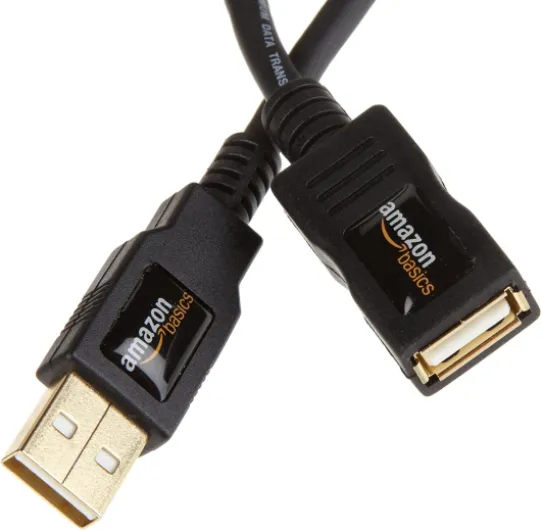
- Passive USB cables simply extend the physical connection. They don’t boost or regenerate the signal. This means that over long distances (typically more than 5 meters or about 16 feet), the signal can degrade, leading to unreliable data transfer or even device failure.
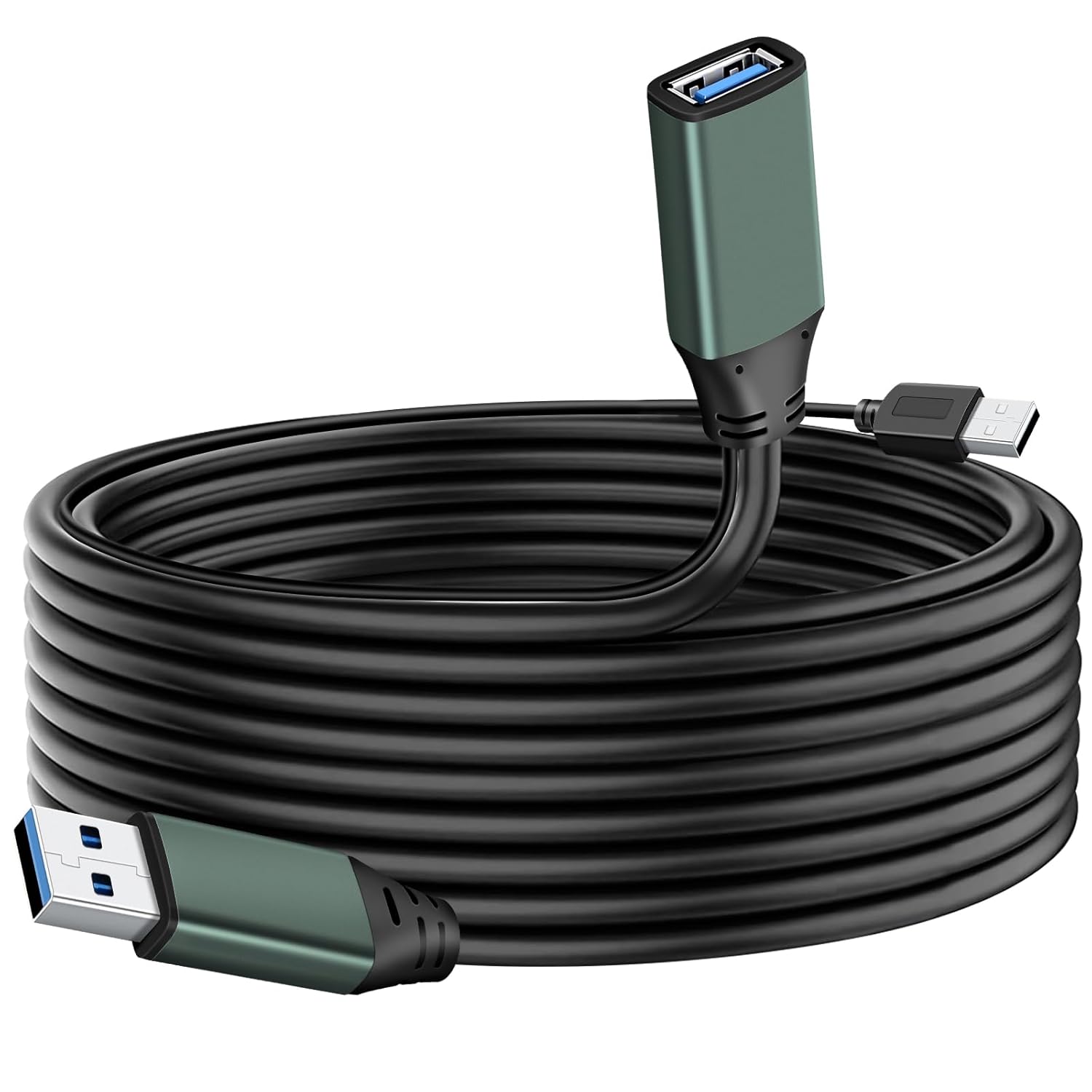
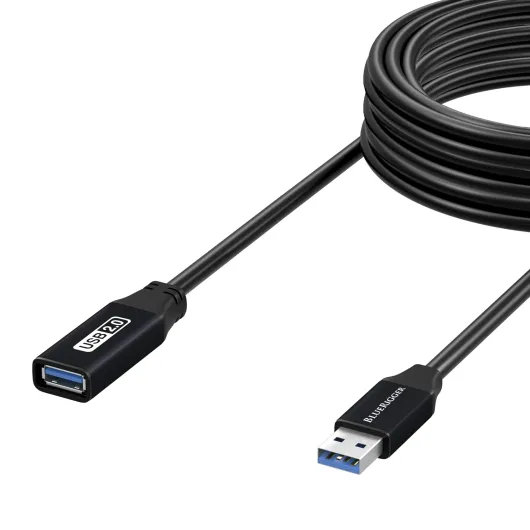
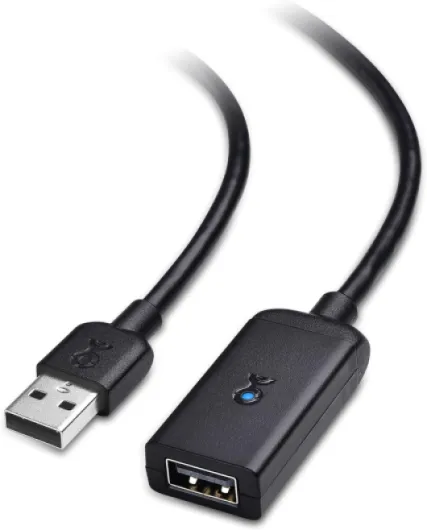
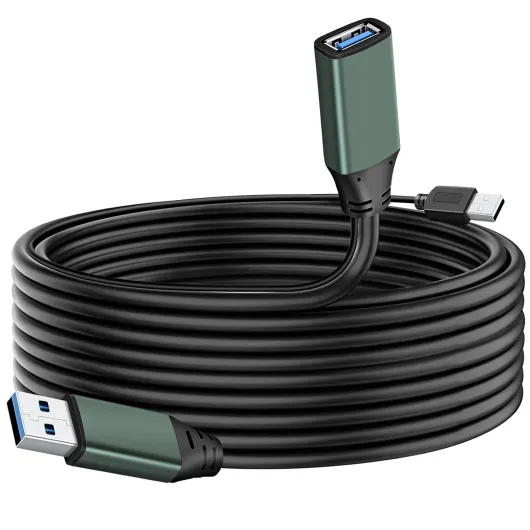
- Active USB extension cables have built-in electronics that amplify the signal. This ensures data and power are delivered reliably over longer distances—sometimes up to 10 meters (over 30 feet) or more, depending on the product and USB type.
How Active USB Cables Work
Active cables use a small integrated circuit to boost the USB signal. Some models may require external power, especially for high-power devices or longer runs. This is especially important for home theater setups where the projector might be mounted on a ceiling or across the room from your media devices. Using an active extension cable helps maintain quality data transfer and stable power delivery to your USB devices, reducing the risk of dropouts or connection issues.
When Should You Choose an Active Extension?
- If your projector setup requires a USB cable longer than 5 meters (about 16 feet), an active USB extension is usually necessary.
- For connecting devices that need consistent power and data—like streaming sticks, USB hubs, or wireless adapters—active cables are more reliable.
- When you want to avoid signal loss, data errors, or device disconnects, especially in a high-quality home theater environment.
For more on integrating advanced control systems with your projector, check out this guide on using a repeater IR system for your home theater projector.
Choosing the right active USB extension cable isn’t just about length. You’ll want to consider the type of USB (USB 2.0, USB 3.0, etc.), the devices you’ll connect, and whether you need external power. In the next section, we’ll look at common challenges with projector placement and connectivity, and how the right cable can help solve them.
Common challenges with projector placement and connectivity
Projector Placement Dilemmas and USB Connectivity
Setting up a home theater projector can be a challenge, especially when it comes to finding the ideal spot for both viewing and connecting your devices. Many projectors are mounted on ceilings or placed far from your media center, which often means your standard USB cable just won’t reach. This is where the need for an extension cable, especially a long USB extension, becomes clear.
- Distance limitations: Standard USB cables typically support reliable data transfer only up to about 5 meters (roughly 16 feet). Beyond this, signal quality drops, and devices may not function as expected.
- Signal loss: With passive USB cables, the longer the cable, the more likely you’ll experience data loss or power issues. This can result in your projector not recognizing USB devices, such as streaming sticks, media players, or external drives.
- Power delivery: Some USB devices require more power than a long passive cable can provide. This is especially true for devices like wireless dongles or USB-powered streaming sticks.
- Complex setups: If you’re integrating multiple devices—like PTZ cameras, media servers, or sound systems—into your projector setup, you’ll need reliable USB connectivity over longer distances. In these cases, an active USB extension cable becomes essential.
Choosing the right cable matters. Not all USB extension cables are created equal, and using the wrong type can lead to frustrating interruptions or degraded performance. For those who want to integrate advanced controls or external devices, you might also be interested in how to choose the right PTZ camera controller for your home theater projector setup.
In summary, the main challenges with projector placement and connectivity revolve around distance, signal quality, and power delivery. Addressing these issues with the right USB extension solution will help you get the most out of your home theater experience.
Benefits of using an active USB extension cable in your setup
Why an Active USB Extension Cable Makes a Difference
When you set up a home theater projector, you often need to connect USB devices like streaming sticks, wireless dongles, or external hard drives. Standard USB cables, especially passive ones, can struggle to deliver reliable power and data transfer over long distances. This is where an active USB extension cable stands out. It uses built-in electronics to boost the signal, ensuring your devices work smoothly even if your projector is several feet or meters away from your media source.
- Consistent Signal Quality: Active extension cables maintain strong data transfer rates, reducing the risk of dropouts or lag. This is crucial for streaming high-definition content or using interactive devices with your projector.
- Longer Reach: Unlike passive USB cables, which typically max out at around 5 meters (about 16 feet) before signal loss becomes an issue, active USB cables can extend much further. Some products support up to 10 meters or more without sacrificing performance.
- Power Delivery: Many active USB extension cables come with external power options. This helps ensure that power-hungry devices like USB hubs or external drives get enough juice, even at the far end of your setup.
- Versatility: Whether you need a USB type A to USB female extension or a specialized cable for a particular device, active cables are available in various configurations. This flexibility makes them suitable for a wide range of home theater projector setups.
- Improved Device Compatibility: Using an active extension cable helps prevent issues with devices not being recognized due to weak signals. This is especially important when you have multiple USB devices connected to your projector.
In case you’re comparing products, pay attention to the quality of the cable, the supported data rates, and whether external power is included. While the price of active USB extension cables can be higher than passive ones, the investment pays off in reliability and performance. Brands like Cable Matters and other reputable manufacturers offer a range of options, so you can find the right extension cable for your needs. Always read product reviews and check store return policies before you purchase, to ensure you get a cable that matches your setup requirements.
How to choose the right active USB extension cable for your projector
Key Factors When Selecting Your Active USB Extension
Choosing the right active USB extension cable for your home theater projector setup can make a big difference in both performance and reliability. With so many cables and products available, it’s easy to get overwhelmed. Here are some important points to consider before you purchase:
- Length and Signal Quality: Active USB extension cables are designed to maintain signal integrity over longer distances. If your projector is far from your source device, look for cables rated for the distance you need—often measured in feet or meters. For most home theater setups, cables between 10 and 30 feet (3 to 10 meters) are common, but always check the product specs for maximum supported length without data loss.
- Power Requirements: Some active cables require external power, especially for longer runs or when connecting power-hungry USB devices. Make sure to read the product details to see if an external power adapter is included or needed. This can help avoid connectivity issues and ensure stable data transfer.
- USB Type and Compatibility: Confirm that the cable supports the USB type (USB 2.0, 3.0, or higher) required by your projector and connected devices. Using a cable with the right USB version ensures optimal data transfer speeds and compatibility with your equipment.
- Build Quality and Brand Reputation: Not all cables are created equal. Look for reputable brands like Cable Matters or similar, as they often provide better shielding, connectors, and overall durability. Reading reviews and checking for certifications can help you avoid unreliable products.
- Price vs. Value: While it’s tempting to go for the cheapest option, investing in a quality active extension cable can save you headaches down the road. Consider the warranty, customer support, and return policy offered by the store or manufacturer.
Other Practical Considerations
- Connector Types: Make sure the cable has the correct connectors (USB male to USB female, for example) for your devices. Some projectors may require a specific USB type or adapter.
- Passive vs. Active: Remember, passive USB cables are not recommended for long distances as they can lead to signal degradation. Active cables have built-in electronics to boost the signal, making them ideal for home theater setups where the projector is far from your media source.
- Future-Proofing: If you plan to upgrade your projector or add more USB devices in the future, consider a cable that supports higher data rates and power delivery to accommodate new technology.
Taking the time to evaluate these factors will help ensure your active USB extension cable delivers the performance and reliability your home theater projector setup deserves. Always read product descriptions carefully and, when possible, test the cable with your devices before finalizing your installation.
Installation tips and troubleshooting common issues
Getting the Most from Your Active USB Extension Cable
Once you’ve selected the right active USB extension cable for your home theater projector, proper installation is key to reliable performance. Here are some practical tips and troubleshooting advice to help you get the best data transfer and signal quality from your setup.
- Check Cable Length and Power Needs: Active USB extension cables are designed to maintain signal integrity over long distances, often up to 16 feet (5 meters) or more. However, if your cable is particularly long or you’re connecting multiple USB devices, you may need to use external power. Many active cables include a USB female port for power input—make sure to read the product documentation to see if this applies to your case.
- Use the Right USB Type: Ensure your cable matches the USB type of your projector and devices (USB 2.0, USB 3.0, etc.). Using mismatched cables can limit data transfer speeds or cause compatibility issues.
- Secure Connections: Plug the extension cable firmly into both your projector and the source device. Loose connections can lead to intermittent signal loss or reduced quality. If you’re using multiple extension cables, make sure each connection is secure.
- Avoid Signal Interference: Keep your active USB cable away from power cables, wireless routers, and other sources of electromagnetic interference. This helps maintain the quality of your data signal, especially with long USB runs.
- Test Before Final Placement: Before running the cable behind walls or under carpets, test the connection with your projector and USB devices. This will save you time if you need to troubleshoot or replace a cable.
Common Issues and How to Fix Them
- No Signal or Device Not Recognized: Double-check that the active cable is powered if required. Some devices draw more power than a passive USB cable can provide, so using the external power option on your extension cable can resolve this.
- Slow Data Transfer: Make sure you’re using a high-quality active extension cable that matches the speed requirements of your devices. Lower price cables may not always deliver the best performance over long distances.
- Intermittent Connection: Inspect the cable for damage and ensure all connectors are clean and free of debris. Try a different USB port or device to isolate the issue.
When purchasing, consider reputable brands like Cable Matters, which are known for quality and reliability. Always read product reviews and check the store’s return policy in case the cable does not meet your needs. With the right active USB extension cable and careful installation, your home theater projector setup will benefit from stable, high-quality connectivity for all your USB devices.