

Understanding the unique challenges of basement home cinema
Why basements present unique opportunities and obstacles
When considering a basement for your home theater, you’re working with a space that’s both promising and challenging. Basements often have fewer windows, which is a plus for controlling lighting and creating that immersive movie theater feel. However, they can also come with lower ceilings, awkward layouts, and sometimes even a fireplace or bar that impacts your design choices.Common basement theater hurdles
- Lighting and ambient control: While basements are naturally darker than a living room or family room, stray light from stairwells or adjacent rooms can still affect your projector screen. Managing lighting is key for the best viewing experience.
- Sound challenges: Concrete walls and floors, common in finished basements, can create echo or muddled sound. Achieving crisp surround sound or Dolby Atmos effects may require custom sound system solutions and careful speaker placement.
- Space limitations: Many basements have support columns, low ceilings, or irregular shapes. These can affect where you place your projector, screen, and seating, as well as how you design the overall theater room.
- Temperature and comfort: Basements can be cooler or more humid than the rest of the home. This impacts not just comfort, but also the longevity of your media equipment and projector.
Designing for your basement’s strengths
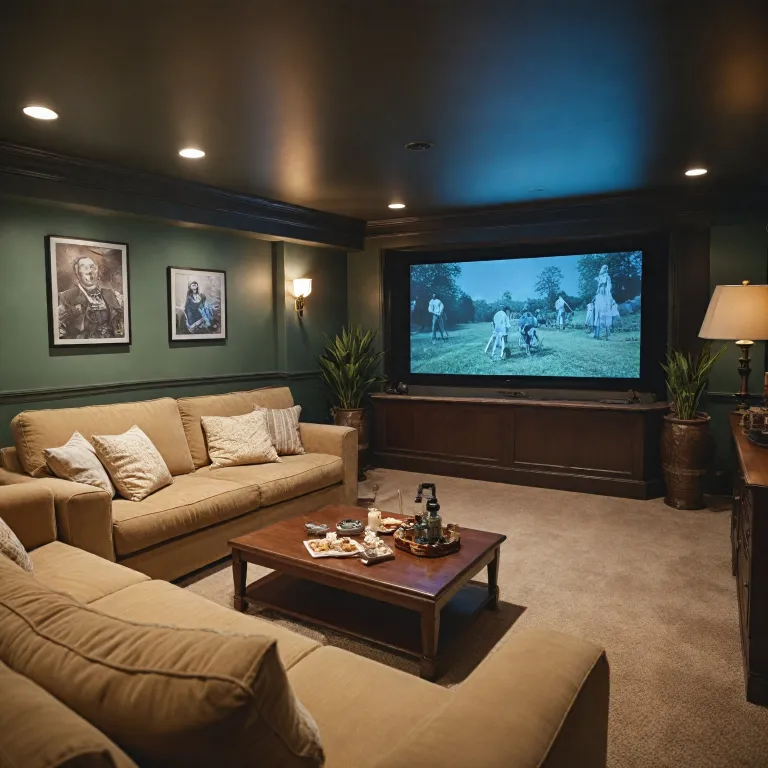
A successful basement home theater leverages the room’s natural darkness and separation from the main living areas. With thoughtful basement design, you can create a dedicated media room, add a bar or game room, or even incorporate a fireplace for a cozy touch. Soundproofing walls and adding crown molding can elevate the look and feel, making your basement remodel a true upgrade.Planning your transformation
Before you choose a projector or decide on the best screen size, take time to assess your basement’s layout and any existing features. Consider how you’ll manage lighting, where you’ll place your projector screen, and what sound system will work best in your space. For more in-depth guidance on planning and controlling your home theater setup, check out this resource on choosing the right equipment for your home theater projector setup.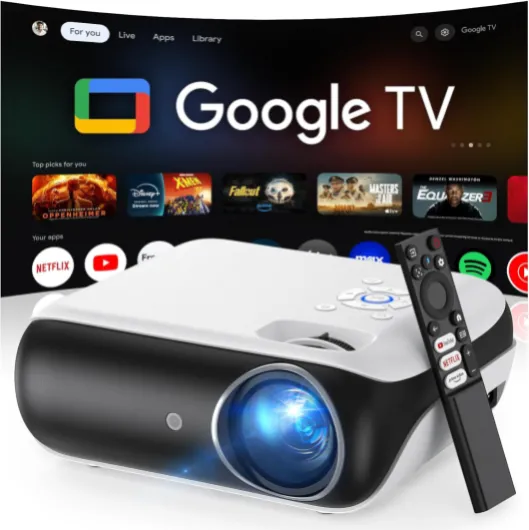
- + 4K UHD resolution for stunning visuals
- + Dolby Sound for immersive audio experience
- + Built-in Streaming Apps for easy access to content
- + Wi-Fi & Bluetooth connectivity options
- + Compatible with game consoles and smartphones

Choosing the right projector for your basement
Key Factors When Selecting a Projector for Your Basement
Choosing the best projector for your basement home theater is more than just picking the brightest model. Basements present unique challenges—lower ceilings, limited natural light, and sometimes unconventional wall layouts. To create a true movie theater experience in your finished basement, consider these important factors:
- Brightness and Lighting: Basements often have less ambient light, but you still need a projector with enough lumens to provide a crisp, vibrant image. Aim for at least 2,000 lumens for a dedicated theater room, and more if your space doubles as a family room or game room with some lighting.
- Throw Distance and Screen Size: Measure your room carefully. Short-throw projectors are ideal for smaller spaces or when your seating is close to the screen. Make sure the projector can deliver your desired screen size without compromising image quality.
- Resolution and Media Compatibility: For a custom home theater, 4K projectors offer the sharpest picture, especially on large projector screens. Check compatibility with your media sources, like streaming devices or Blu-ray players.
- Sound System Integration: While projectors often have built-in speakers, a dedicated surround sound system or Dolby Atmos setup will dramatically improve your basement theater experience. Plan for speaker placement and wiring during your basement remodel or renovation.
- Wall Color and Screen Choice: White or light-colored walls can reflect light and wash out your image. Consider a dedicated projector screen or a painted screen wall for the best results. A baffle wall can also help with both sound and image quality—learn more about how a baffle wall transforms your home theater projector experience.
Matching Projector Features to Your Basement Design
Every basement is different, so tailor your projector choice to your specific space and design ideas. If your basement includes a fireplace, bar, or crown molding, make sure your projector placement and wiring don’t interfere with these features. For a multi-purpose media room or living room, look for projectors with flexible mounting options and easy connectivity to your sound system and other devices.
Don’t forget to consider future upgrades. As your basement renovation evolves, you might want to add smart lighting, custom speakers, or even a second projector for gaming. Choosing a versatile projector now can save you time and money later.
Optimizing screen placement and size
Finding the Ideal Screen Placement for Your Basement Theater
Getting the screen placement right is a game changer for your basement home theater experience. Basements often have unique layouts, such as low ceilings, support columns, or even a fireplace that can impact where your projector screen should go. Start by measuring your available wall space and considering the distance from your seating area. The best screen placement usually means the center of the screen is at eye level when you’re seated comfortably, whether you’re using a custom media room or transforming a finished basement into a family room.
Choosing the Right Screen Size for Your Space
Screen size isn’t just about going as big as possible. The size should match your projector’s capabilities and the dimensions of your basement. For most basement theaters, a screen between 100 and 120 inches diagonal offers an immersive movie theater feel without overwhelming the room. If your basement design includes a bar or game room area, make sure the screen is visible from all main seating zones. Use a projector screen calculator to determine the optimal size based on your throw distance and projector model.
- Measure the distance from your main seating to the wall where the screen will be mounted.
- Allow enough space for speakers, especially if you’re planning a Dolby Atmos or surround sound system.
- Consider ceiling height and crown molding when choosing screen height and placement.
- Leave room for media cabinets, custom shelving, or a fireplace if your basement remodel includes these features.
Wall Color and Screen Material Matter
The color of your basement walls can impact perceived screen brightness and contrast. White or light-colored walls may reflect light, reducing image quality. Darker paint or acoustic wall panels can help create a true theater room feel and improve sound. When selecting a projector screen, look for materials designed for ambient light rejection if your basement lighting isn’t fully controlled. This is especially important in a living room or open-concept basement renovation.
Integrating Sound and Screen for the Best Experience
Proper screen placement also means planning for your sound system. Leave enough space around your projector screen for front speakers or in-wall speakers. For tips on achieving optimal speaker placement, check out this guide on 5.1.4 speaker placement for home theater projector setups. This ensures your surround sound and Dolby Atmos system deliver the best possible audio experience, turning your basement into a true media room.
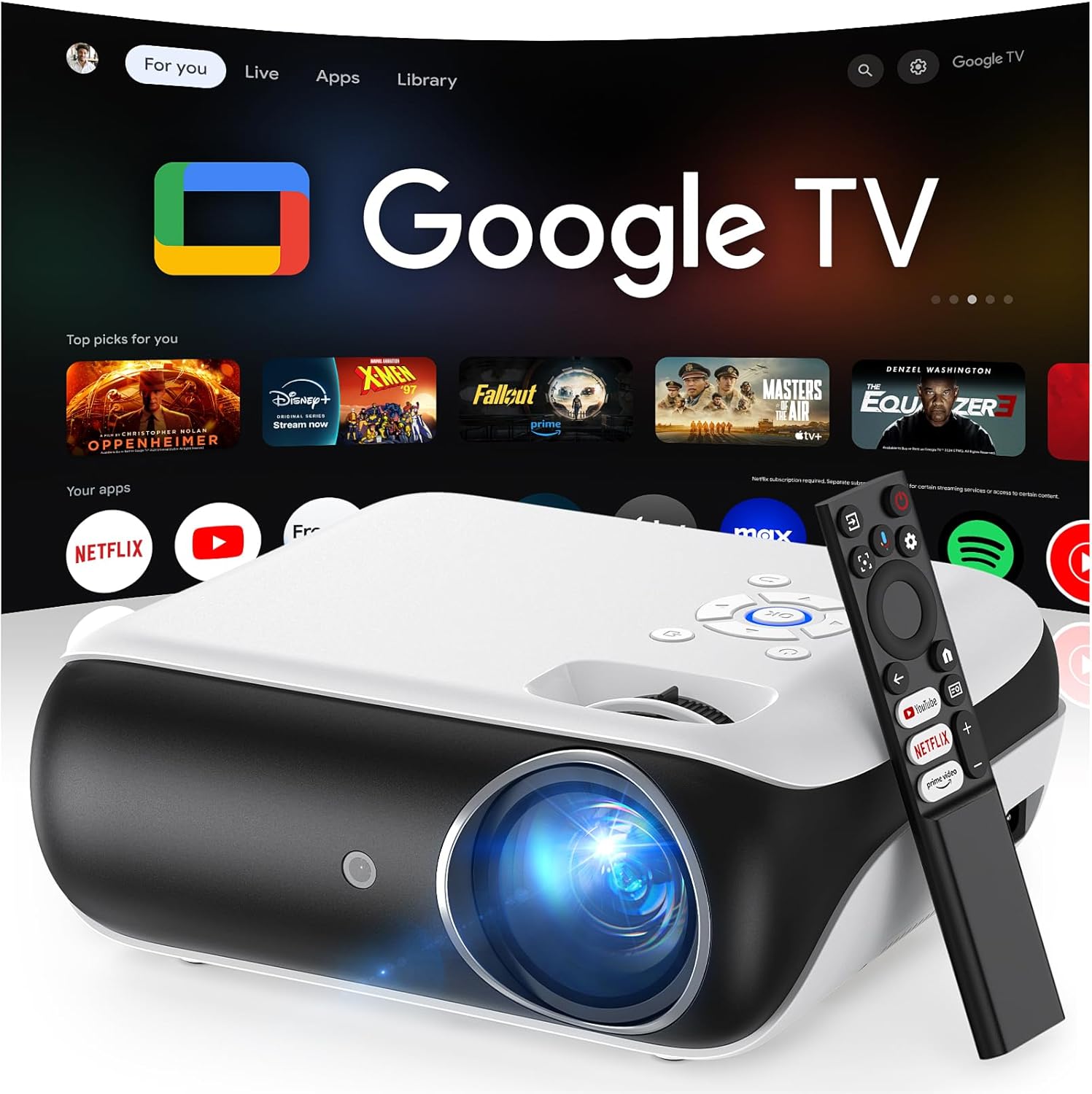
![[Built-in Official Apps/4K Support] Smart Outdoor Projector with WiFi and Bluetooth, 800ANSI Movie Projector, DoIby Audio with Dual Speaker, Auto Focus w/ YouTube&PrimeVideo Proyector, Upgrad P62 Pro Standard Black](https://www.home-theater-projector-guru.com/storage/677458/conversions/81GBqwrIy-L._AC_SL1500_-medium.webp)
- + 4K Support for high-resolution movies
- + Built-in Official Apps like YouTube & Prime Video
- + 800 ANSI Lumens for bright images
- + WiFi and Bluetooth connectivity
- + Auto Focus feature for easy setup
Managing lighting and ambient light control
Controlling Light for the Best Picture Quality
Basements often have an advantage for home theater setups because they typically have fewer windows. However, even a small amount of ambient light can wash out the image on your projector screen. To get the most out of your projector and create a true movie theater experience, managing lighting is essential.- Block out natural light: Use blackout curtains or shades on any windows in your basement room. This is especially important if your basement doubles as a family room or game room during the day.
- Choose the right wall color: Light-colored walls, especially white, can reflect stray light and reduce contrast. Consider darker paint or custom wall panels to absorb light and enhance the image.
- Install dimmable lighting: Recessed lights with dimmer switches or LED strip lighting behind crown molding can provide enough light for safety without interfering with your projector screen. Avoid placing lights directly above or in front of the screen area.
- Use smart lighting controls: Smart bulbs or lighting systems let you adjust brightness and color temperature for different activities, from movie nights to entertaining at the bar or fireplace area.
Ambient Light and Projector Performance
The type of projector you choose for your basement theater will impact how well it handles ambient light. Some models are designed for brighter rooms, but even the best projectors perform better in controlled lighting. If your basement design includes a media room or finished basement with multiple uses, consider a high-gain projector screen that reflects more light back to viewers.Creative Lighting Ideas for Atmosphere
Lighting isn’t just about visibility—it’s also about setting the mood. Integrate LED strips along the walls, behind the projector screen, or under the bar for a custom look. Wall sconces with indirect lighting can add a touch of elegance to your theater room. For a true Dolby Atmos experience, keep lighting subtle to focus attention on the screen and sound system.Quick Tips for Basement Lighting Success
- Test your projector at different times of day to identify problem areas for light leaks.
- Use rugs and soft furnishings to absorb sound and light reflections.
- Plan your lighting during the basement remodel or renovation stage for the best results.
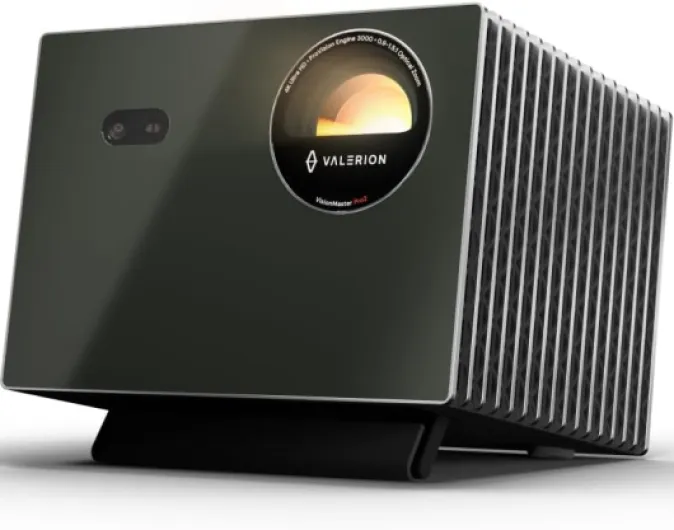
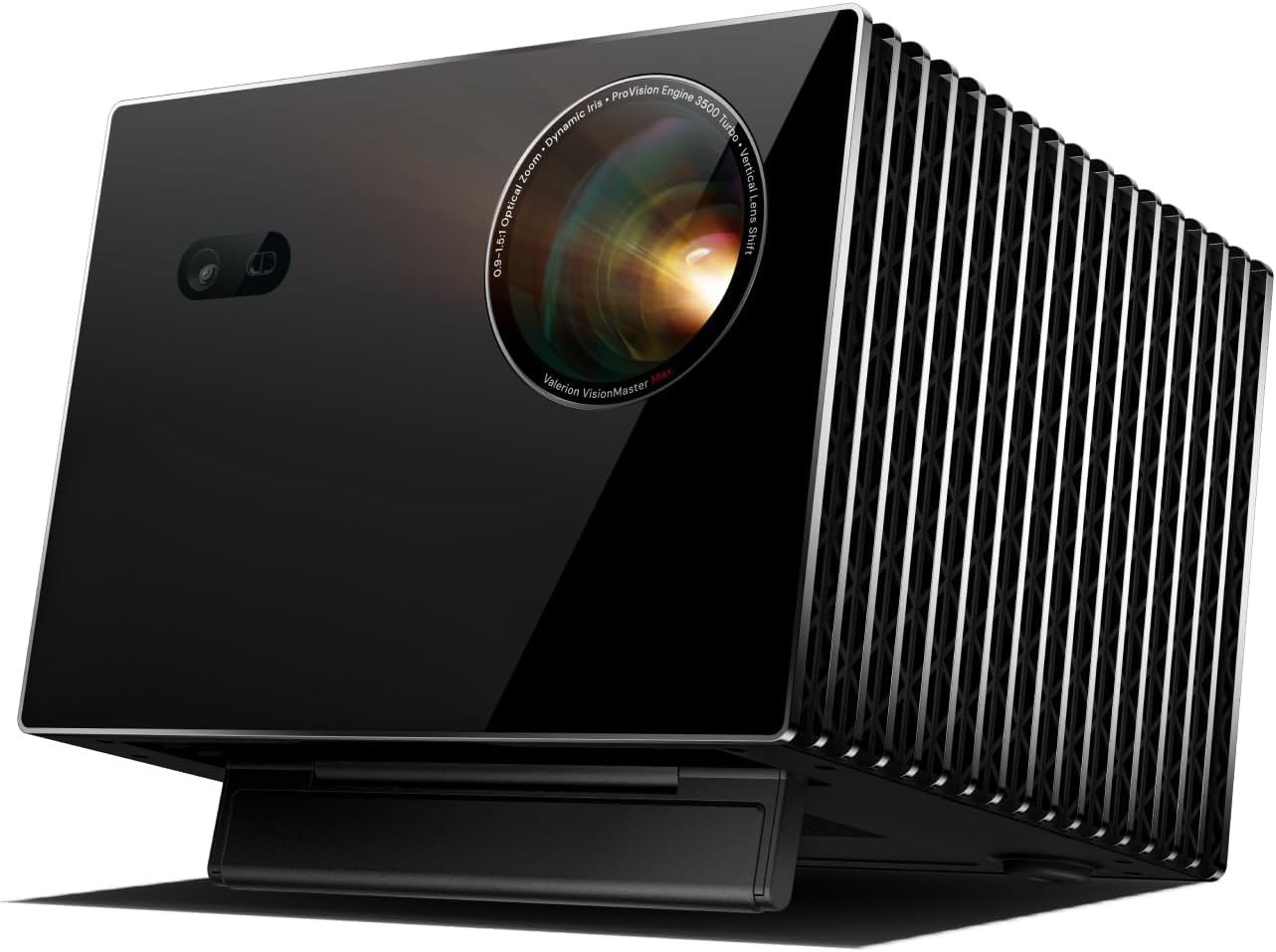
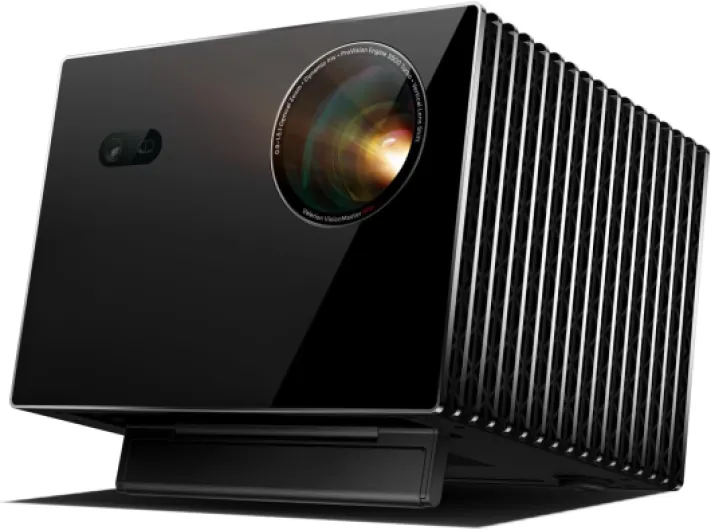
- + 4K Resolution for stunning clarity
- + 15000:1 Contrast ratio for vibrant colors
- + 0.9-1.5x Optical Zoom for flexible setup
- + 2X Multitasking Power for enhanced productivity
- + Supports IMAX and HDR10+ for cinematic experience
Enhancing sound quality in a basement setting
Soundproofing and Acoustic Treatment for Immersive Audio
Basement home theaters offer a unique opportunity to create a truly immersive sound experience, but they also come with acoustic challenges. Concrete walls, low ceilings, and open spaces can cause echoes, sound leakage, and muddied audio. To get the best out of your sound system and speakers, consider these practical ideas:
- Acoustic panels: Installing panels on the walls and ceiling helps absorb unwanted reflections, making dialogue clearer and enhancing surround sound effects. Soft materials like thick curtains or custom acoustic tiles can also reduce echo.
- Carpeting and rugs: Hard floors reflect sound, so adding a plush carpet or area rug in your theater room or family room will help dampen noise and improve clarity. This is especially important in a finished basement or media room where sound can easily bounce off surfaces.
- Sealing gaps: Use weatherstripping or acoustic sealant around doors and windows to prevent sound from escaping or entering your basement theater. This keeps the movie theater atmosphere intact and minimizes distractions from the rest of the home.
- Furniture placement: Sofas, recliners, and even a custom bar can act as natural sound absorbers. Arrange seating to avoid blocking speakers and to create an even sound field throughout the space.
Choosing and Positioning Speakers for True Cinema Sound
For a basement remodel or renovation, investing in a quality surround sound system is key. Dolby Atmos setups are popular for delivering a three-dimensional audio experience, but even a traditional 5.1 or 7.1 system can transform your basement into a true media room. Here are some tips for optimal speaker placement:
- Front speakers: Place left, center, and right speakers at ear level, aligned with your projector screen. This anchors dialogue and main action to the screen, just like in a commercial movie theater.
- Surround speakers: Mount these on the side or rear walls of your basement home theater, slightly above ear level. This creates an enveloping sound field for action scenes and ambient effects.
- Subwoofer: Position your subwoofer near a wall but away from corners to avoid boomy bass. Experiment with placement to find the spot that delivers deep, even bass throughout the room.
- Ceiling speakers: For Dolby Atmos, install speakers in the ceiling to add height effects, making rain, helicopters, or crowd noise feel truly lifelike.
Design Details That Impact Sound
Basement design choices can make a big difference in audio quality. Painted white walls may look clean, but they reflect sound more than darker, textured surfaces. Consider adding crown molding or textured wall panels to break up flat surfaces and diffuse sound. If your basement includes a fireplace or bar, use these features to help define the space and absorb sound. Even the layout of your projector, screen size, and seating can affect how sound travels in your theater room.
| Element | Impact on Sound | Improvement Ideas |
|---|---|---|
| Walls (concrete, drywall) | Reflect sound, cause echoes | Install acoustic panels, add fabric wall coverings |
| Flooring (tile, wood, carpet) | Hard floors reflect, carpet absorbs | Use thick carpet or area rugs |
| Ceiling height | Low ceilings can trap sound | Add acoustic tiles or clouds |
| Open vs. closed space | Open rooms lose sound definition | Use partitions, bookshelves, or curtains |
With thoughtful sound system choices and smart acoustic design, your basement renovation can deliver a home theater experience that rivals the best commercial cinemas. Whether your space is a dedicated theater room, a multi-use family room, or a game room with a projector screen, investing in audio quality will make every movie night unforgettable.
Essential accessories and seating for comfort
Comfortable Seating and Layout Ideas
Creating a true home theater experience in your basement starts with seating. Choose plush recliners or a sectional sofa that fits the room’s dimensions. For a finished basement or a larger space, consider tiered seating to mimic a movie theater. If your basement remodel includes a fireplace, arrange seating to enjoy both the screen and the warmth. Add side tables or a custom bar for snacks and drinks, making your media room more inviting for family and guests.Must-Have Accessories for Immersive Viewing
A few well-chosen accessories can elevate your basement theater. Here are some essentials:- Projector mount: Secure your projector to the ceiling or wall for optimal alignment with your projector screen.
- Blackout curtains or shades: Control lighting and reduce glare, especially if your basement has windows.
- Acoustic panels: Improve sound quality by minimizing echo and absorbing excess noise, especially important in rooms with hard walls or crown molding.
- Universal remote: Simplify control of your sound system, projector, and media devices.
- LED strip lighting: Add subtle, customizable lighting along the walls or behind the screen for a cinematic effect.
![[Built-in Official Apps/4K Support] Smart Outdoor Projector with WiFi and Bluetooth, 800ANSI Movie Projector, DoIby Audio with Dual Speaker, Auto Focus w/ YouTube&PrimeVideo Proyector, Upgrad P62 Pro Standard Black](https://www.home-theater-projector-guru.com/storage/677458/81GBqwrIy-L._AC_SL1500_.jpg)