

Defining ansi lumens and their role in projectors
What are ANSI Lumens and Why Do They Matter?
When shopping for a home theater projector, you’ll often see the term ANSI lumens in the specifications. But what exactly does it mean, and why is it so important for your viewing experience?
ANSI lumens is a standardized measurement of projector brightness established by the American National Standards Institute (ANSI). It tells you how much visible light a projector can produce and project onto a screen. This measurement is crucial because it allows you to compare the brightness level of different projectors using a consistent method, regardless of the light source—whether it’s a traditional lamp, laser projector, or LED.
- Lumens is the unit that measures the total amount of visible light emitted by a source. The higher the lumens, the brighter the image.
- ANSI lumens specifically refers to the brightness measured using the ANSI standard, which involves averaging light readings from multiple points on the projected image.
- This is different from other ratings like ISO lumens or manufacturer-claimed lumen values, which can sometimes be less reliable.
For home theater enthusiasts, understanding ANSI lumens helps you choose a projector that will deliver a bright image even in rooms with ambient light or when projecting onto a large projector screen. The right brightness ensures your movies and shows look vivid, whether you’re using a portable projector on the floor, setting up an outdoor cinema, or installing a pro model in a dedicated theater room.
To dive deeper into how projector lumens impact your setup and how to find the most luminous projector for your home theater, check out this detailed guide.
Why brightness matters in home theater setups
How Brightness Shapes Your Home Theater Experience
When setting up a home theater, projector brightness—measured in ansi lumens—plays a crucial role in delivering a satisfying viewing experience. The right brightness level ensures that images remain vivid and clear, whether you are watching in a dedicated dark room or a living space with some ambient light. Understanding how ansi lumens interact with your environment helps you make informed choices about your projector and screen.
- Ambient Light: The amount of light in your room directly impacts how bright your projector needs to be. In rooms with low ambient light, a projector with lower ansi lumens can still provide a bright image. However, in high ambient light conditions, such as living rooms with large windows or outdoor setups, you will need a projector with higher lumens to maintain image clarity and contrast.
- Screen Size and Distance: The larger your projector screen, the more ansi lumens you will need to ensure the image remains sharp and visible. Similarly, the distance between the projector and the screen can affect brightness, as light spreads out over a larger area.
- Projector Type: Laser projectors and portable projectors often offer different brightness levels. Laser projectors typically provide higher ansi lumens and more consistent brightness over time, while portable projectors may prioritize convenience over maximum brightness.
- Image Quality: Adequate projector brightness is essential for maintaining color accuracy and detail, especially in scenes with dark or subtle tones. Insufficient lumens can result in washed-out images and reduced viewing pleasure.
Choosing the best projector brightness for your home theater is not just about picking the highest number. It’s about matching the ansi lumens to your specific room, screen, and viewing habits. For a deeper dive into finding the most luminous projector for your setup, check out this guide on finding the most luminous projector for your home theater.
Remember, the right balance of ansi lumens, screen size, and ambient light will help you achieve a truly immersive home theater experience.
Comparing ansi lumens to other brightness ratings
How Different Brightness Ratings Stack Up
When shopping for a home theater projector, you’ll notice a range of brightness ratings—ansi lumens, lumens, and sometimes even iso lumens. But what do these numbers really mean for your viewing experience? Understanding the differences is crucial to finding the best projector for your room, whether you’re dealing with high ambient light or aiming for a true cinema feel in low ambient conditions.
- ANSI lumens: This is the most widely accepted standard for measuring projector brightness. ANSI (American National Standards Institute) lumens are calculated using a specific method that averages light output across several points on the projector screen. This gives a realistic idea of how bright the image will appear in real-world settings.
- Standard lumens: Sometimes, manufacturers simply list “lumens” without specifying ANSI. These numbers can be misleading, as they might reflect peak brightness under ideal conditions, not the average brightness you’ll see in your room. Always look for the ANSI label for a more accurate comparison.
- ISO lumens: ISO (International Organization for Standardization) lumens are similar to ANSI, but use slightly different testing protocols. In practice, ANSI and ISO lumens are close, but not always identical. If you see both ratings, ANSI is more commonly referenced in home theater discussions.
It’s important to note that a projector with a high lumen rating (whether ANSI or ISO) isn’t always the best choice for every situation. The right brightness level depends on your screen size, the amount of ambient light in your room, and even the type of light source—like a laser projector or LED. For example, portable projectors often advertise high lumens, but their real-world performance may differ from larger, pro models designed for dedicated home theaters.
Some brands may use non-standard measurements or marketing terms, so always check if the brightness is listed in ansi lumens for a fair comparison. If you’re interested in how advanced technology can further enhance your projector’s performance, especially with challenging content or outdoor setups, you might find this guide on how 4-channel HEVC encoders enhance your home theater projector experience helpful.
In summary, focus on ansi lumens when comparing projector brightness, but remember that the best image quality comes from matching the brightness to your unique space and viewing needs.
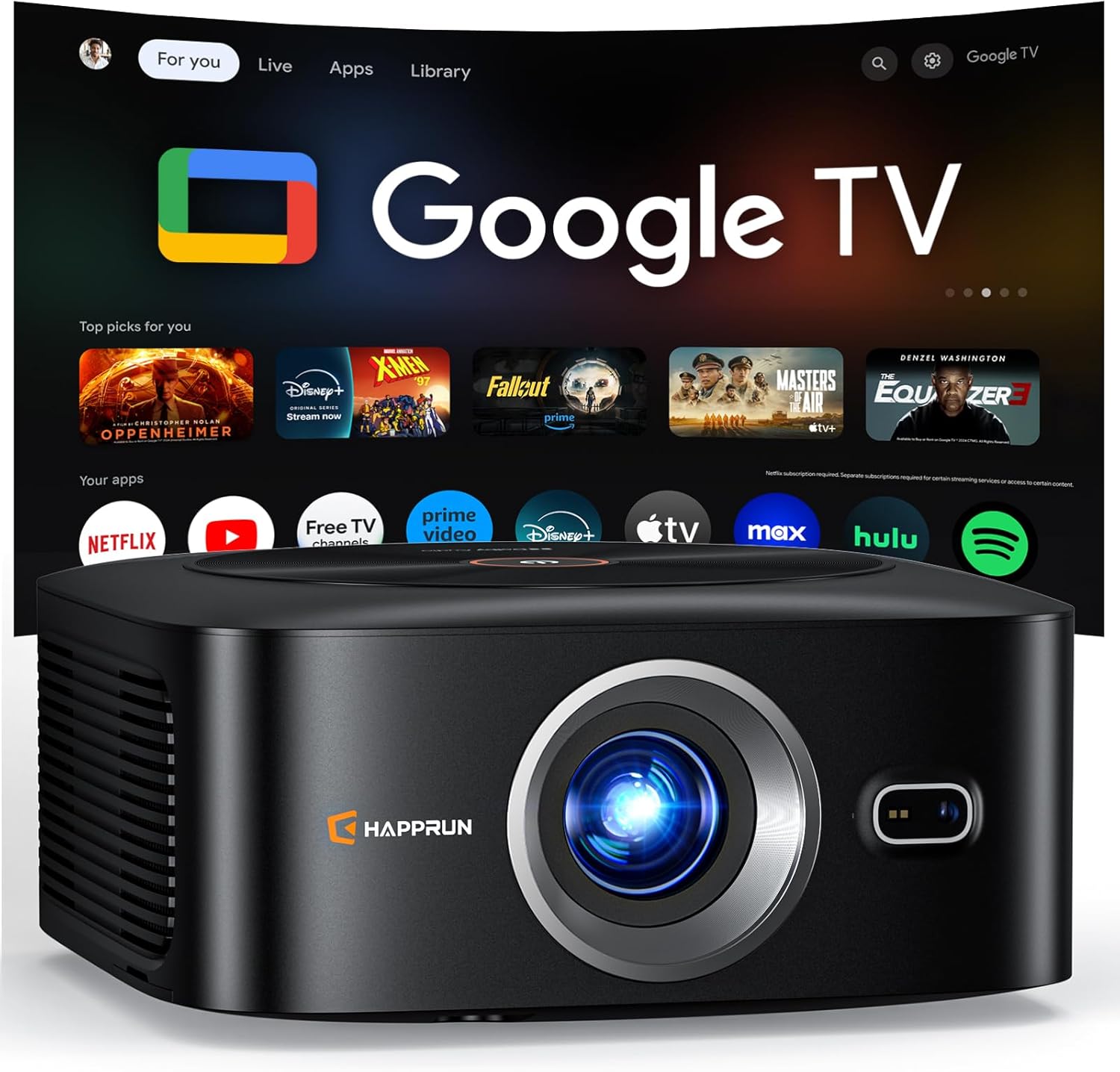
![[Built-in Official Apps/4K Support] Smart Outdoor Projector with WiFi and Bluetooth, 800ANSI Movie Projector, DoIby Audio with Dual Speaker, Auto Focus w/ YouTube&PrimeVideo Proyector, Upgrad P62 Pro Standard Black](https://www.home-theater-projector-guru.com/storage/677458/conversions/81GBqwrIy-L._AC_SL1500_-medium.webp)
- + 4K Support for high-resolution movies
- + Built-in Official Apps like YouTube & Prime Video
- + 800 ANSI Lumens for bright images
- + WiFi and Bluetooth connectivity
- + Auto Focus feature for easy setup

How to choose the right ansi lumens for your space
Matching Projector Brightness to Your Room and Needs
Choosing the right ANSI lumens for your projector isn’t just about picking the highest number. The best brightness level depends on several factors, including your room’s ambient light, the size of your projector screen, and how you plan to use your projector—whether for movies, gaming, or presentations.
- Room Lighting: If your room has low ambient light, such as a dedicated home theater with blackout curtains, a projector with 1,000 to 1,500 ANSI lumens can deliver a bright image. In rooms with high ambient light, like living rooms with windows, you may need 2,500 ANSI lumens or more to maintain image clarity.
- Screen Size: The larger your projector screen, the more lumens you’ll need. A small screen (under 100 inches) can look great with lower brightness, but a big screen (over 120 inches) will require a higher lumen rating to avoid a washed-out image.
- Projector Type: Laser projectors and portable projectors often have different brightness capabilities. Laser models usually offer higher ANSI lumens and more consistent light output over time, while portable projectors may prioritize compactness over maximum brightness.
- Outdoor Use: For outdoor movie nights, you’ll need even more brightness. Look for projectors with at least 3,000 ANSI lumens to combat ambient light from street lamps or the moon.
Other Considerations for the Best Viewing Experience
Don’t forget about the type of light source (LED, laser, or lamp) and the quality of your projector screen. A high-gain screen can help reflect more light, making the image appear brighter even with a lower lumen projector. Also, consider the projector’s placement—distance from the screen and floor can affect perceived brightness.
Finally, remember that not all brightness ratings are equal. ANSI lumens provide a standardized measure, while terms like ISO lumens or lumens ANSI may refer to different testing methods. Always check the manufacturer’s specifications and, if possible, see the projector in action before making a decision. This will help ensure your home theater delivers the vivid, immersive vision you want.
Common misconceptions about ansi lumens
Misunderstandings That Can Affect Your Projector Choice
When shopping for a projector, it’s easy to get lost in the numbers—especially when it comes to ansi lumens and brightness. Many buyers fall into common traps that can lead to disappointment with their home theater experience. Let’s clear up some of the most frequent misconceptions about ansi lumens and projector brightness.
- More lumens always means better image quality: It’s tempting to think that a higher ansi lumen rating guarantees a better picture. While brightness is important, too much can actually wash out colors and reduce contrast, especially in a dark room. The best brightness level depends on your room’s ambient light and screen size.
- All lumens ratings are the same: Not all lumens are created equal. ANSI lumens are measured using a standardized method, while some brands use "LED lumens" or "ISO lumens," which can inflate the numbers. Always check if the rating is ansi lumens for a fair comparison between projectors.
- Projector brightness is the only factor for a bright image: While ansi lumens are crucial, the type of light source (like laser or LED), the quality of the projector screen, and even the color of your walls and floor can impact perceived brightness. Portable projectors with lower lumens can still look great in low ambient light conditions.
- Outdoor and indoor brightness needs are the same: Outdoor setups usually require much higher ansi lumens due to high ambient light. A projector that works well in a dark home theater might struggle to produce a visible image outside during the day.
- Ignoring screen size and distance: The larger your projector screen, the more ansi lumens you’ll need to maintain a bright, clear image. A small portable projector might be perfect for a compact room but underpowered for a large living space.
What to Remember When Evaluating Projector Brightness
Understanding the difference between ansi lumens, iso lumens, and other ratings will help you make a more informed decision. Consider your room’s ambient light, the type of projector (laser projector, portable projector, etc.), and your screen size. Don’t let marketing terms or inflated numbers sway your choice—focus on what will deliver the best vision and image quality for your specific setup.
Tips for optimizing projector performance beyond brightness
Fine-tuning Your Home Theater Experience
While projector brightness, measured in ansi lumens, is crucial, it’s not the only factor that shapes your viewing experience. To get the best image quality, you’ll want to look beyond just the lumen rating. Here are some practical tips to help you optimize your projector’s performance, regardless of whether you’re using a laser projector, portable projector, or a traditional lamp-based model.
- Control Ambient Light: Even the brightest projectors can struggle in rooms with high ambient light. Use blackout curtains or shades to reduce light from windows. If you can’t fully darken your room, consider a projector with a higher ansi lumen rating or a screen designed for high ambient light environments.
- Choose the Right Screen: The type and size of your projector screen matter. A high-gain screen can help reflect more light, making images appear brighter. Make sure your screen size matches your projector’s brightness level and your room’s dimensions for the best results.
- Positioning Matters: Place your projector at the correct distance and height relative to your screen. This ensures the image is sharp and evenly lit. Avoid projecting at extreme angles, as this can cause distortion and uneven brightness.
- Maintain Your Equipment: Clean your projector’s lens regularly to prevent dust from dimming the image. For lamp-based projectors, monitor lamp hours and replace the lamp when brightness drops. Laser projectors and LED models generally require less maintenance but still benefit from occasional cleaning.
- Calibrate for Your Room: Adjust your projector’s settings for color, contrast, and brightness to suit your specific room and screen. Many projectors offer presets for different lighting conditions, but manual calibration often yields the best results.
- Consider the Floor and Wall Colors: Light-colored floors and walls can reflect ambient light back onto your screen, reducing perceived contrast. Darker surroundings help maintain a bright image and improve perceived projector brightness.
Remember, optimizing your home theater isn’t just about chasing the highest ansi lumens or lumens ansi number. It’s about balancing all the elements—projector lumens, screen size, ambient light, and room setup—to create a viewing environment that brings out the best in your projector. Whether you’re setting up for a dedicated theater room or an outdoor movie night, these adjustments will help you get the most from your investment.
![[Built-in Official Apps/4K Support] Smart Outdoor Projector with WiFi and Bluetooth, 800ANSI Movie Projector, DoIby Audio with Dual Speaker, Auto Focus w/ YouTube&PrimeVideo Proyector, Upgrad P62 Pro Standard Black](https://www.home-theater-projector-guru.com/storage/677458/81GBqwrIy-L._AC_SL1500_.jpg)