


Understanding the crestron system in home theaters
What Makes Crestron Stand Out in Home Theater Control
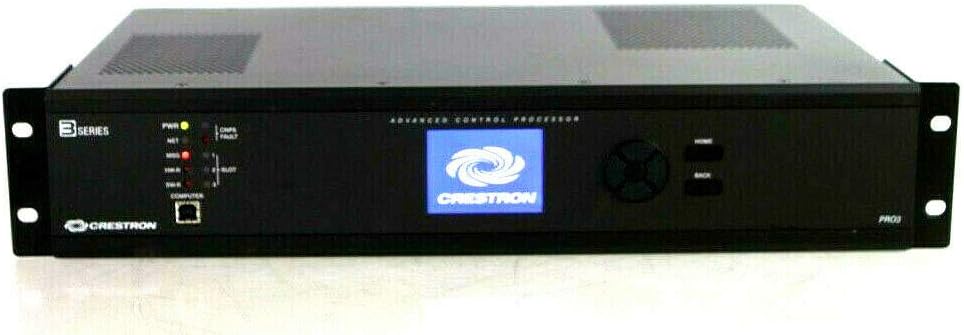
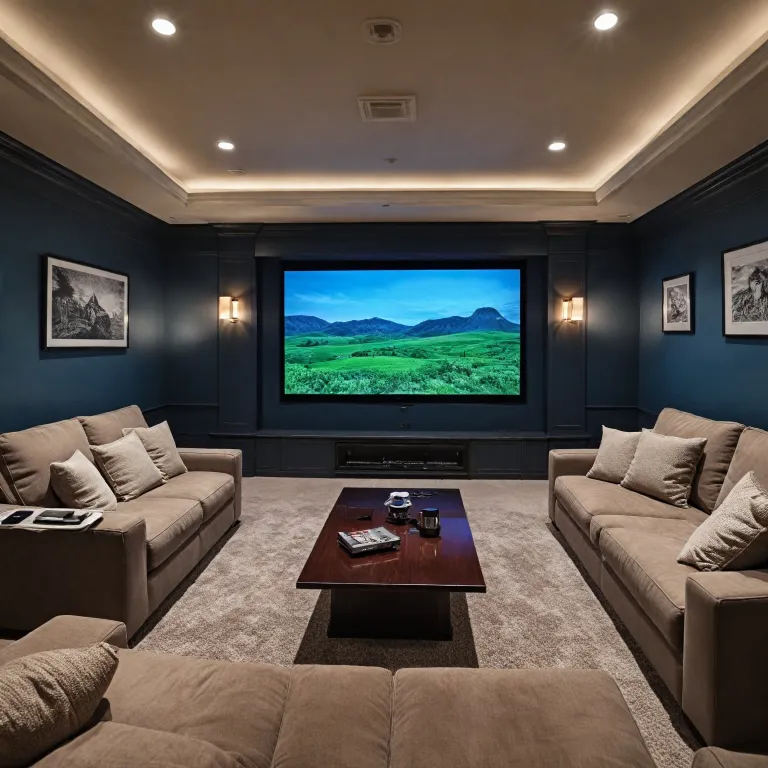
When you start exploring home theater projector setups, you quickly realize that managing all your devices and settings can get complicated. That’s where a Crestron system comes in. Crestron is known for its robust control systems, which are designed to simplify the way users interact with their home theater equipment, including projectors, speakers, and lighting. The goal is to create a seamless user experience, whether you’re in a single room or managing multiple rooms.
How Crestron Systems Work with Projectors
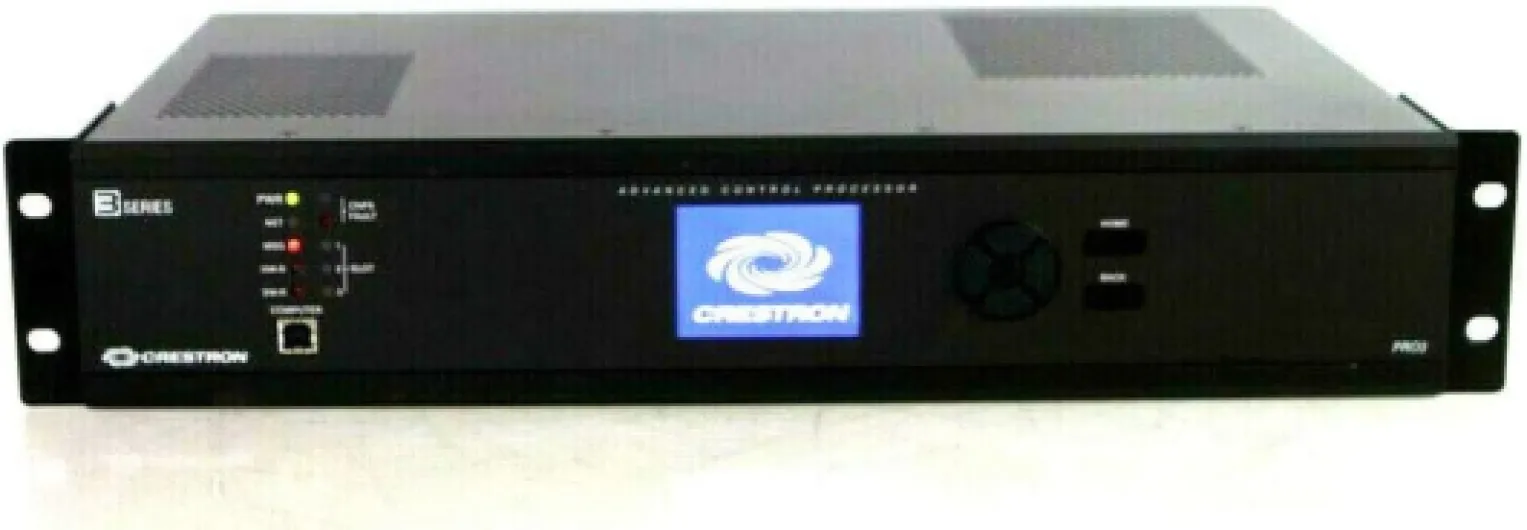
At its core, a Crestron control system acts as the central hub for your home theater. It connects your projector, audio devices, remotes, keypads, and even mobile devices, making it easier to control everything from one interface. This integration is especially useful for projector users who want to save time and avoid juggling multiple remotes or apps. The system’s user interface is customizable, so you can design it to fit your preferences and the specific needs of your room.
- Centralized control: Manage your projector, speakers, and other devices from a single user interface.
- Flexible programming: Programming Crestron systems allows for tailored automation, from dimming lights to adjusting projector settings.
- Support for third-party products: Crestron offers compatibility with a wide range of devices, making integration smoother.
Building Automation and User Experience
Crestron systems are not just about controlling devices. They are designed to enhance the overall user experience by automating routines and supporting building automation. For example, you can set up scenes that adjust your projector, lower the lights, and close the blinds with a single touch. This level of automation is what sets Crestron apart from basic remote controls or mobile apps.
Resources and Support for Crestron Users
One of the strengths of Crestron is its extensive technical support and resources. Whether you’re learning how to program your system or need help integrating new devices, there’s a wealth of documentation and support available. This ensures that users can get the most out of their investment and keep their systems running smoothly. For those new to home theater projectors, understanding how to project from your phone to a wall can be a helpful starting point. You can learn more about projecting from your phone to a wall for additional context.
Privacy and Security Considerations
As with any connected system, privacy policy and terms privacy are important. Crestron systems are designed with security in mind, offering features that help protect your data and ensure your devices are only accessible by authorized users. This is especially important when integrating third party products and mobile devices into your home theater setup.

Key features that benefit projector users
What Makes Crestron Stand Out for Projector Users?
When it comes to home theater projectors, the Crestron control system is recognized for its ability to simplify and elevate the user experience. It’s not just about turning your projector on and off; it’s about creating a seamless environment where all your devices and systems work together. Here’s how Crestron offers unique advantages for projector enthusiasts:
- Unified Control: With Crestron, you can manage your projector, speakers, lighting, and even room temperature from a single user interface. Whether you use remotes, keypads, or a mobile device, the system makes it easier to control single or multiple rooms without juggling different remotes.
- Customizable User Experience: The design of Crestron systems allows for extensive programming. You can tailor scenes for movie nights, gaming, or presentations, adjusting everything from projector settings to audio levels with a single touch. This flexibility saves time and ensures the best possible viewing conditions.
- Reliable Integration: Crestron supports a wide range of third party products, making it compatible with most projectors and audio devices. Its NVX technology ensures high-quality video distribution, so you get crisp images and synchronized sound throughout your home theater room.
- Technical Support and Resources: Crestron provides robust technical support and learning resources for users and installers. Whether you’re programming Crestron for the first time or troubleshooting, the company’s resources and support team are there to help.
- Privacy and Security: The system is designed with privacy policy and terms privacy in mind, ensuring your data and usage patterns are protected as you enjoy your home theater experience.
For those interested in exploring how display technology can further enhance their setup, check out this guide on how a small LED display screen can transform your home theater experience.
Ultimately, Crestron systems are about making your life easier and your entertainment space smarter. The combination of intuitive control, device compatibility, and strong support makes Crestron a top choice for anyone serious about their home theater projector setup.
Integrating your projector with other smart devices
Connecting Your Projector with Smart Home Devices
One of the most powerful aspects of using a Crestron system in your home theater is the seamless integration it offers with a wide range of smart devices. Whether you want to control your projector, speakers, lighting, or even window shades, Crestron brings everything together under a single user interface. This approach not only saves time but also enhances the overall user experience by making it easier to manage your room’s environment.
- Unified Control: With Crestron control systems, you can operate your projector, audio system, and other devices from a single remote, mobile app, or touch panel. This eliminates the need for multiple remotes and reduces confusion for every user in the room.
- Third-Party Compatibility: Crestron offers robust support for third party products, making it possible to connect devices from different brands. For example, you can integrate your projector with smart speakers or building automation systems without worrying about compatibility issues.
- Custom Scenes: Programming Crestron allows you to design custom scenes. Imagine pressing one button to dim the lights, lower the projector screen, and start your movie. This level of automation is a key benefit for projector users who want a tailored viewing experience.
- Room-to-Room Control: In homes with multiple rooms or zones, Crestron systems let you control single or multiple rooms from one interface. This is especially useful if you have projectors or AV setups in different areas.
For those interested in optimizing their projector’s placement and viewing angles, understanding the vertical viewing angle in home theater projectors can further enhance your setup. Integrating this knowledge with Crestron’s programming options ensures your room is designed for the best possible experience.
Crestron’s technical support and extensive online resources make it easier to learn about new features, troubleshoot issues, and get the most out of your system. Whether you’re a single user or managing a household, the flexibility and scalability of Crestron systems help future-proof your home theater while maintaining privacy policy standards and terms privacy compliance.
Common challenges and troubleshooting tips
When the Control System Doesn’t Respond
Even with the reliability of Crestron systems, users sometimes encounter issues where the control system doesn’t respond as expected. This can happen due to network interruptions, outdated programming, or conflicts with third party devices. If you notice your projector or speakers aren’t reacting to commands from your remotes, keypads, or mobile app, start by checking the network connection in your room. A quick reboot of the control system or device can often resolve temporary glitches, making it easier to regain control. For more persistent issues, reviewing the programming or seeking technical support from Crestron resources is recommended.
Device Compatibility and Integration Hiccups
Integrating multiple devices—like projectors, speakers, and lighting—can sometimes lead to compatibility challenges. Not all products play nicely together, especially when mixing brands or older devices with newer Crestron systems. If a device isn’t showing up on your user interface or isn’t responding, double-check that it’s supported by your Crestron control system. Updating firmware and ensuring all devices are on the same network can save time and frustration. For advanced integration, programming Crestron to recognize each device individually is key to a seamless user experience.
User Interface Confusion
The design of your user interface plays a big role in how easily a single user can control the room. Sometimes, a cluttered or overly complex interface can make it hard to find the right control for your projector or speakers. If users are struggling, consider simplifying the layout or customizing the interface to highlight the most-used features. Crestron offers flexible options for tailoring the user experience, from touch panels to mobile apps, making it easier to control single or multiple rooms.
Programming and Support Resources
Programming Crestron systems can be complex, especially when adding new devices or automating building functions. If you’re not comfortable with advanced programming, it’s wise to consult Crestron’s support resources or work with a certified integrator. They can help ensure your system is set up for optimal performance and troubleshoot any issues that arise. Don’t forget to review the privacy policy and terms privacy of any third party integrations to protect your data and user privacy.
NVX and Advanced Features
For users leveraging NVX products for high-quality video distribution, occasional technical hiccups can occur, such as signal loss or lag. Regularly updating your NVX firmware and checking cable connections can help maintain a smooth experience. If problems persist, Crestron technical support is a valuable resource for diagnosing and resolving advanced issues, ensuring your home theater remains a top-tier entertainment space.
Customizing your crestron system for optimal viewing
Personalizing Your Crestron Control Experience
Customizing your Crestron system can make a significant difference in how you interact with your home theater projector and related devices. The flexibility of Crestron control systems allows users to tailor the user interface, remotes, and keypads to fit the unique needs of their room and viewing habits. Whether you want to control a single device or automate an entire room, Crestron offers a range of products and programming options to support your goals.
- User Interface Customization: Adjust the layout and functions on your touch panels or mobile devices. This makes it easier for any user to access projector controls, lighting, speakers, and more from a single screen.
- Scene Programming: With programming Crestron, you can create scenes that adjust multiple devices at once. For example, a "Movie Night" scene could dim the lights, lower the projector screen, and power on your audio system with one touch.
- Room-Specific Settings: If you have multiple rooms or zones, Crestron systems allow you to design unique settings for each space. This is especially useful for homes with more than one projector or entertainment area.
- Integration with Third Party Devices: Crestron best practices include seamless integration with other smart products. This means your projector can work alongside building automation, security, or HVAC systems, all managed through the same control system.
Making Control Easier for Every User
One of the main advantages of Crestron is making it easier for users to interact with complex technology. The system supports different user profiles, so each person can have their preferred settings. Technical support and resources are available to help with setup and ongoing adjustments, ensuring a smooth user experience.
- Remotes and Keypads: Physical controls remain important for many users. Crestron offers customizable remotes and keypads that can be programmed for quick access to projector functions.
- Mobile Device Control: For those who prefer mobile, the Crestron app brings full control to your phone or tablet, letting you manage your projector and other devices from anywhere in your home.
- Support and Resources: If you need help, Crestron provides technical support and a wealth of online resources. This can save time when troubleshooting or learning new features.
Designing for Privacy and Security
When customizing your system, it's important to consider privacy policy and terms privacy. Crestron systems are designed with security in mind, especially when integrating third party devices or using networked solutions like NVX. Always review the privacy settings and user permissions to ensure your data and devices remain protected.
Future-proofing your home theater with crestron
Staying Ahead with Scalable Crestron Solutions
When designing a home theater, it’s important to think beyond today’s needs. Crestron systems are built for flexibility, allowing users to adapt as technology and preferences evolve. The modular design of Crestron control systems means you can add new devices, speakers, or even entire rooms without overhauling your existing setup. This scalability ensures your investment remains relevant, even as new products and standards emerge.
Seamless Integration with Emerging Technologies
Crestron offers robust support for third party devices and building automation products. Whether you want to add the latest projector, upgrade your speakers, or integrate advanced NVX streaming, the system’s open architecture makes it easier to connect and control single or multiple devices. The user interface, available on remotes, keypads, and mobile devices, is regularly updated to support new features and enhance the user experience.
Efficient Updates and Ongoing Support
One of the key benefits of using Crestron is access to continuous technical support and resources. Firmware and software updates are designed to save time and keep your system secure. With privacy policy and terms privacy considerations built in, you can trust that your data and preferences are protected. Crestron’s programming tools also allow for custom adjustments, so you can fine-tune your control system as your needs change.
Empowering Users Through Learning and Customization
Learning to use and program Crestron systems is made easier through comprehensive documentation and user resources. Whether you’re a single user managing a dedicated room or overseeing multiple rooms, the system is designed to be intuitive. Customizing the user interface and automating routines can significantly improve the way you interact with your home theater, making every movie night or gaming session more enjoyable.