
Summary
Editor's rating
Is it good value for the money?
Chunky but practical, with a surprisingly handy 180° stand
Power, noise and everyday practicality (no built‑in battery)
Build quality and how sturdy it feels
Picture quality, brightness and everyday use
What this projector actually offers on paper
Auto focus, keystone and smart features: do they actually help?
Pros
- Good 1080p picture quality and decent brightness in dim rooms for a relatively low price
- Official Netflix and other apps built in, so you can use it without an extra streaming stick
- Auto focus and keystone work well enough to make setup quick and painless
Cons
- No built-in battery or USB-C power, so you always need a mains socket or power station
- Fan noise is noticeable in quiet scenes and at low listening volumes
- Edges can get slightly blurry if you rely on heavy keystone from an off-axis position

Specifications
View full product page →| Brand | VOPLLS |
A budget projector that actually replaced my TV (mostly)
I’ve been using the VOPLLS M10 projector for a few weeks now as my main way to watch Netflix, YouTube and football in the living room. I didn’t go into this thinking it would replace my TV, more like a fun gadget for the odd movie night. But in practice I’ve ended up using it way more than I expected, to the point where my regular TV is off most of the time. It’s not perfect, but for the price it does a pretty solid job.
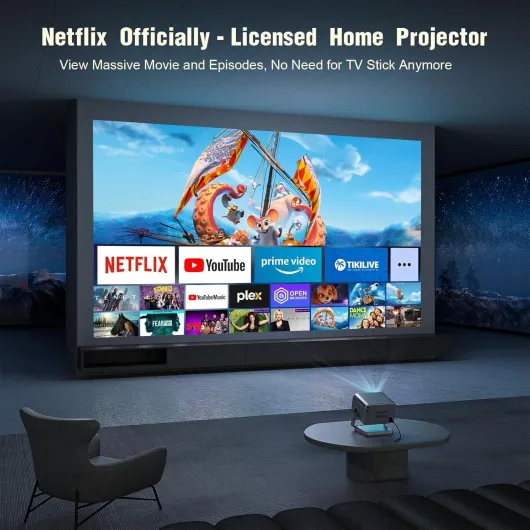
The big selling points for me were: officially licensed Netflix built in, native 1080p with 4K support, Wi‑Fi 6, Bluetooth, and the auto focus/keystone stuff. I don’t like messing around with cables and settings every time I want to watch something. I just wanted to turn it on, point it at the wall, and start a show. In that sense, it does what it says. Setup was straight, and the built‑in apps mean you can actually use it without an extra Fire Stick or console.
I’ve used it in a fairly normal living room: light curtains, white wall, viewing distance about 3 meters, image size around 80–100 inches most of the time. I also tried it in a bedroom projecting onto the ceiling, and once in the garden after dark with a cheap portable screen. So this isn’t lab testing, just real‑world use where you want to flop on the sofa and hit play without thinking too much.
If you’re expecting the same punch as a high‑end OLED TV, you’ll be disappointed. It’s still a budget projector with the usual limits: needs dim lighting to look its best, fan noise is there, and the smart interface is basic. But if you’re coming from a 40–55 inch TV and you just want a big picture for Netflix and sports without spending a fortune, it honestly gets the job done better than I thought it would.
Is it good value for the money?
Price‑wise, this thing usually sits around the £130–£150 range (depending on promos), which is where a lot of generic projectors live. The difference here is that you get official Netflix, decent brightness, auto focus/keystone, and Bluetooth 5.2 in one box. If you compare that to buying a basic projector plus a Fire Stick, you’re often not saving much money, and you add extra cables and one more remote. So from a pure feature‑per‑pound point of view, it’s good value if you actually use the built‑in apps.
Compared to a mid‑range TV around £400–£600, the trade‑off is simple: you lose daytime visibility and perfect blacks, but you gain a much bigger image for less money. If you’re someone who mainly watches in the evening, that trade‑off can make sense. One Amazon reviewer said they basically stopped using their 55" TV after switching, and I get it – once you’re used to watching on 80–100 inches, going back to a smaller screen feels a bit dull, even if the TV technically has better picture quality.
Where the value is slightly less convincing is if you don’t care about the smart features and you’re happy to plug in your own streaming stick. In that case, there are other 1080p projectors in a similar price band that will give you roughly the same image quality. What tips it in favour of the VOPLLS for me is the combination of: autofocus that actually works, decent brightness, integrated Netflix, and a usable speaker. You don’t need to buy extras to get started, besides maybe a cheap screen if your wall is bad.
So, is it the best deal on the market? No idea, there are tons of options. But based on what you get and how it performs, I’d say it’s good value for money for someone who wants a simple, large‑screen setup at home without spending TV‑level cash. If you’re super picky about colour accuracy or want a fully portable, battery‑powered unit, you’ll probably feel less impressed. For an average user who just wants big Netflix and sports on the wall, it’s a solid buy.
Chunky but practical, with a surprisingly handy 180° stand
Design‑wise, the VOPLLS M10 is not a tiny pocket projector. It’s about 19.6 x 15.6 x 11 cm and weighs around 2.4 kg, so more like a small shoebox than a mini gadget. It’s still easy enough to move between rooms or throw in a bag for a movie night at a friend’s place, but if you were hoping to casually hold it in one hand like a soda can, that’s not it. The housing is a silver‑grey plastic that looks decent on a shelf and doesn’t scream cheap toy, but it’s definitely more functional than stylish.
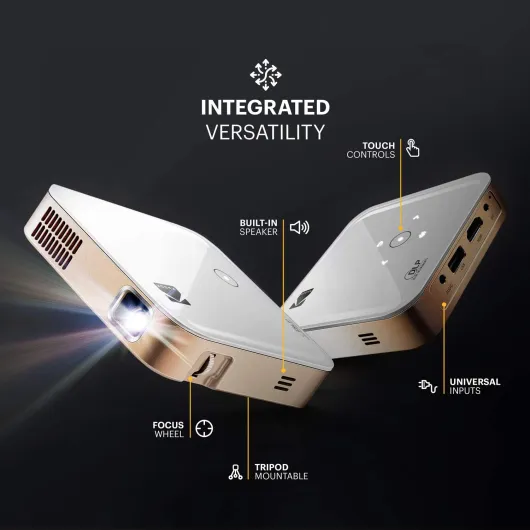
The part I actually found useful is the integrated stand with 180° rotation. You can tilt the lens from straight ahead all the way up to the ceiling. In practice, that means: living room wall in the evening, then bedroom ceiling for lazy watching in bed, without stacking books or messing with tripods. It feels fairly solid when you tilt it, it holds its angle and doesn’t wobble much once you set it down. I wouldn’t treat it roughly, but for normal use it’s fine.
There are multiple mounting options listed (ceiling, wall, tripod, table). I just used it on a low TV bench and sometimes on a coffee table. The bottom has the usual mounting thread if you want to put it on a tripod or ceiling mount. Air vents are on the sides, and you can hear the fan clearly in a quiet room. It’s not jet engine loud, but it’s there. Once you start watching something with normal volume, you mostly forget about it, but if you’re really sensitive to fan noise, you’ll notice it during quiet scenes.
The remote is basic but does the job: directional pad, home, back, volume, and quick keys for some apps. Button feel is a bit cheap, but it responds fast enough and I didn’t run into lag navigating the menus. One small annoyance: you’ll want to point it roughly at the projector; it’s not like some TVs where you can bounce it off walls and it still works. Overall, the design is practical and a bit bulky, not pretty or premium, but it’s built to be used, not to be a showpiece.
Power, noise and everyday practicality (no built‑in battery)
Important thing up front: the VOPLLS M10 has no built‑in battery. It needs to be plugged into the mains with the included power cable at all times. For some people that’s not an issue at all, for others it’s a bit of a let‑down, especially if you had in mind a totally portable outdoor setup. One reviewer mentioned they wished it worked via USB‑C or had a battery, and I’m in the same boat: it would have made it way more flexible. As it stands, for garden movie nights or camping you either need an extension cord or a decent power station.
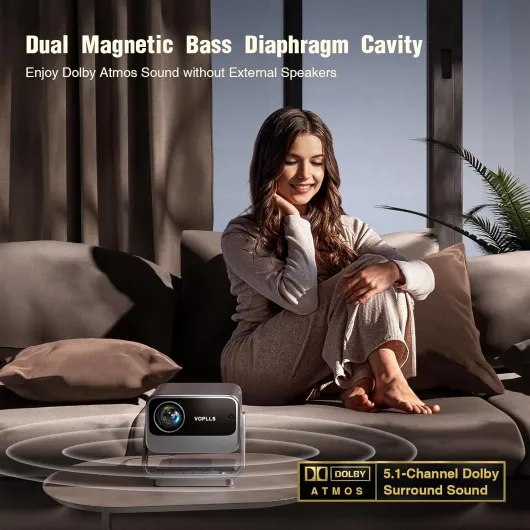
The 80W power draw is reasonable for what it does. I didn’t notice any crazy heat issues – it gets warm, like any projector, but not to the point where I was worried about it. The vents push out warm air and you do hear the fan. In a quiet room with nothing playing, the fan is clearly audible. Once you put on a movie at normal volume, it mostly fades into the background. If you’re using external speakers and turning them up a bit, you won’t care. But if you like watching at very low volume late at night, you’ll notice the fan more.
For “battery life”, you basically have to think in terms of your power source, not the device. I used it several hours in a row multiple evenings without any shutdowns or throttling. No sudden dimming or weird behaviour after long sessions. For outdoor use, I briefly tested it with a 300W portable power station and it ran fine for a full-length movie and some YouTube, but obviously that depends on your power bank capacity. So yes, you can do outdoor evenings, but it’s not a self‑contained unit like some smaller projectors with built‑in batteries.
Overall, on the power side, it’s pretty standard: plug‑in only, steady performance, some fan noise. If you mainly use it at home near a socket, you won’t think about it. If you were dreaming of a totally wire‑free setup on a rooftop or in a park, this is not that kind of product and you’ll need extra gear to make it work.
Build quality and how sturdy it feels
In terms of build quality, the VOPLLS M10 feels like a typical mid‑range electronic: mostly plastic, but not flimsy. At around 2.4 kg, it has enough weight that it doesn’t feel hollow or toy‑like when you pick it up. The casing doesn’t creak when you move it or adjust the stand, which is a good sign. I moved it between rooms quite a few times, put it in a backpack with some clothes around it twice, and it handled that without any scratches or weird rattling sounds afterwards.
The integrated stand is the part I was most worried about, because moving parts are usually what fail first. So far it’s holding up fine. The rotation feels firm enough, and it stays in place once you set the angle. I wouldn’t constantly flip it 180° every day for a year without expecting some wear, but for normal use it seems up to the task. The lens is recessed a bit, so you’re not constantly touching the glass when you move it, which helps avoid fingerprints and scratches.
As for internal durability, only long‑term use will really tell, but there are a few reassuring points: it has sealed core tech that’s supposed to reduce dust and noise. Obviously I can’t open it to verify the design, but after a few weeks there’s no visible dust build‑up in the lens area and no increase in fan noise. The brand also advertises a 2‑year defective product replacement and repair service, which at least shows they’re not hiding behind a super short warranty. I didn’t have to contact support, so I can’t comment on how good they are in practice, just that the option is there.
For something that will probably sit on a shelf or be ceiling‑mounted, I don’t see many durability red flags. Just treat it like any other projector: don’t block the vents, don’t move it when it’s very hot, and don’t drop it. The overall feel is solid enough for home use, but it’s not a rugged device you’d throw around or lend to kids unsupervised.
Picture quality, brightness and everyday use
Let’s talk about what actually matters: how the image looks. In a dim or dark room, the picture is genuinely good for the price. Native 1080p is sharp enough that subtitles and UI text are clean, and you can see details in faces and textures without needing to squint. When you feed it a 4K Netflix show, it obviously downscales to 1080p, but it still looks crisp. I tried a mix of newer shows, football, and some older 80s movies. Modern HD content looks the best, older stuff looks softer, but that’s more down to the source than the projector.
Brightness: the claimed 700 ANSI lumens feel believable for this category. In the evening with curtains half closed, it’s perfectly fine on a 80–100 inch image. During the day with blinds half open, it’s watchable but washed out, especially on brighter scenes. If you want to watch a lot during the day, you’ll need good curtains or reduce the size of the projected image a bit. It’s not a living‑room‑with-sun‑blasting‑in device, but that’s normal at this price. Compared to a random cheap 1080p projector I tried a year ago, this one is clearly brighter and has better contrast.
Color‑wise, it tends to run a bit on the cooler side (slightly bluish whites), which lines up with one of the Amazon reviews. You can tweak some picture settings, but don’t expect TV‑level calibration controls. For casual watching, I was fine with it. Black levels are acceptable for an LCD projector – dark scenes are never truly black, more dark grey, but you still see what’s going on. If you’re picky about perfect blacks like on an OLED, this will obviously feel like a downgrade, but then you’re not the target audience here.
One thing to flag: if you place the projector heavily off‑axis and rely on keystone, the edges can get a bit soft, especially one side. This matches what another buyer mentioned. When I had it straight on, everything was sharp; when I angled it to the side to clear some furniture, the far edge went slightly blurry even after autofocus. It’s not awful, but you notice it on subtitles. So if you can, set it more or less centered with the screen or wall instead of at a steep angle. Overall, for movies, series and sports in a normal home setup, the performance is pretty solid, as long as you manage your expectations about light and placement.
What this projector actually offers on paper
On paper, the VOPLLS M10 ticks a lot of boxes for the price range. You get native 1080p resolution with support for 4K input, quoted 700 ANSI lumens, and a claimed 20000:1 contrast ratio. Take those numbers with a pinch of salt like with any projector marketing, but in practice it’s bright enough for evening viewing and kind of usable during the day if you don’t have direct sunlight on the wall. The image size can go up to 300 inches, though realistically most people will sit around 80–120 inches, which is where it looks best.
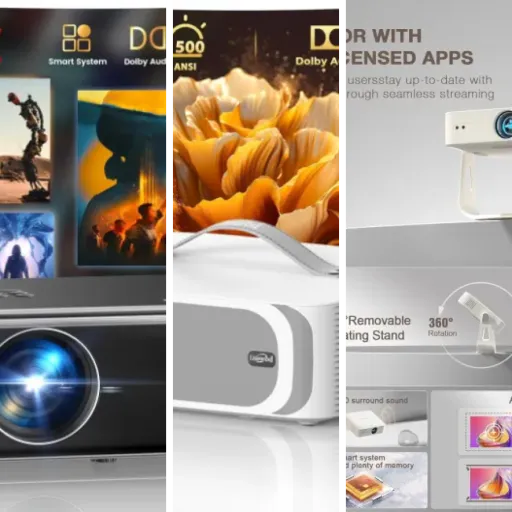
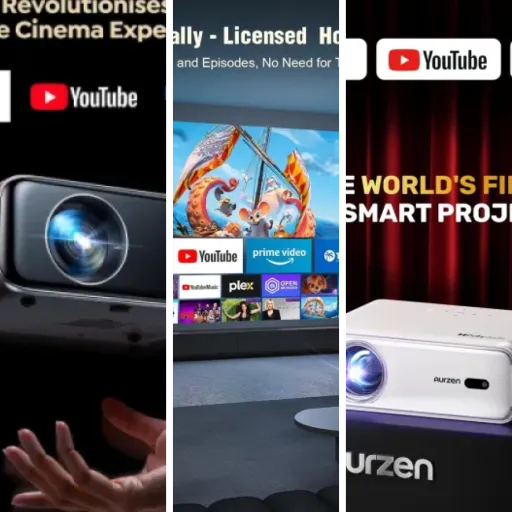
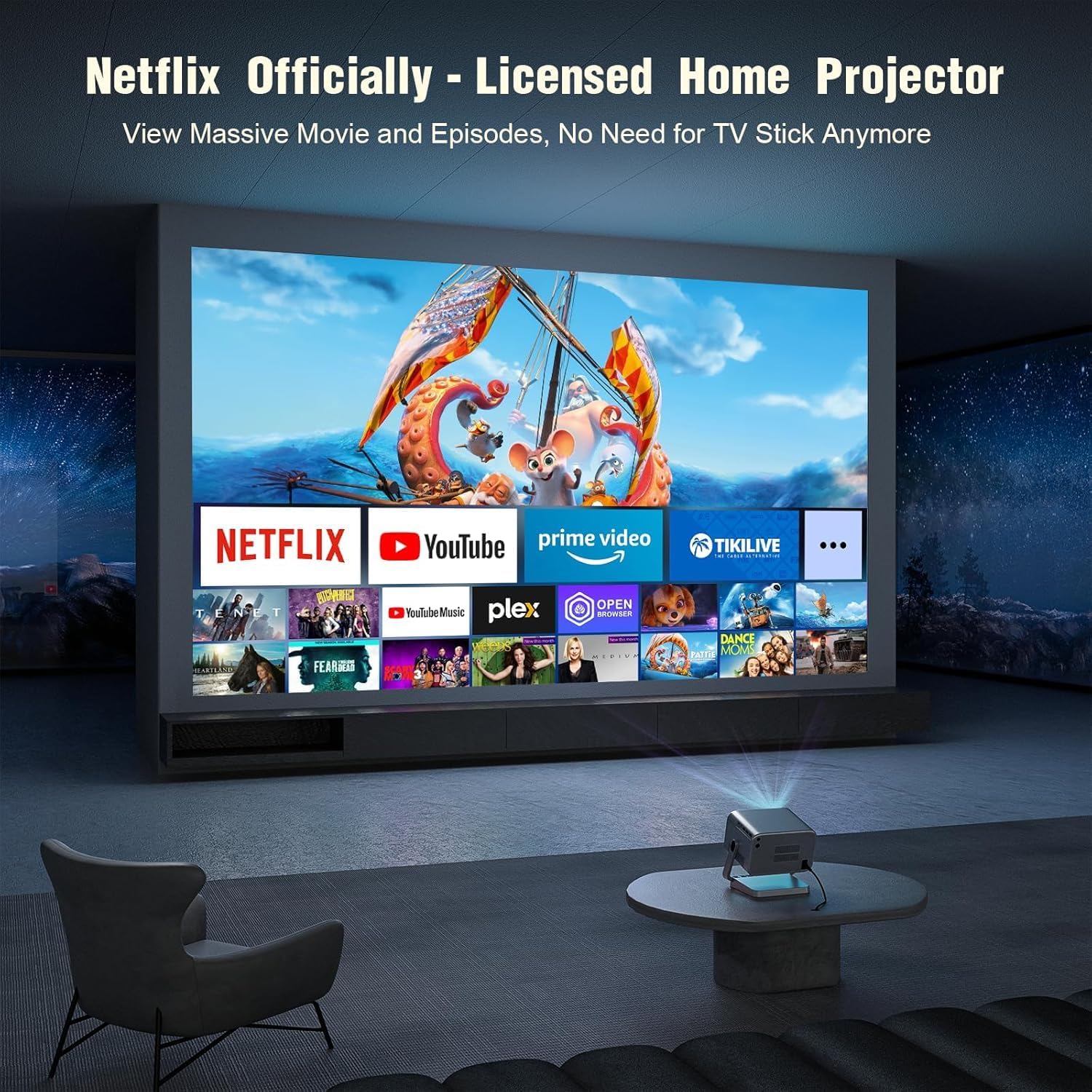
The other big thing is the smart side: it runs a Linux‑based OS with official Netflix, plus YouTube, Prime Video and other common apps preinstalled. That matters because a lot of cheap projectors claim to run Netflix but it’s some janky workaround with low resolution or broken controls. Here, Netflix behaves like it should: full app, proper login, remote works fine. You still can plug in HDMI devices (Fire Stick, consoles, laptop) if you prefer, but you don’t have to, which is nice.
Connectivity wise you get Wi‑Fi 6, dual‑band 2.4G/5G, and Bluetooth 5.2. Wi‑Fi 6 here just means streaming is stable and fast enough; you don’t feel it as some big feature, it just doesn’t lag or buffer much on a decent connection. Bluetooth is mainly for pairing external speakers or a soundbar, and that worked fine for me with an older Bluetooth stereo – no annoying audio delay in my case. Ports are basic but enough: HDMI, USB, AV, plus the usual power connector.
Overall, the spec sheet looks pretty loaded for something that usually sits around the mid‑budget price bracket. Just keep in mind: specs sound fancy, but what actually matters is the picture in a real room, how loud the fan is, and whether the smart apps behave. On those, it does well in some areas and shows its limits in others, which I’ll get into below.
Auto focus, keystone and smart features: do they actually help?
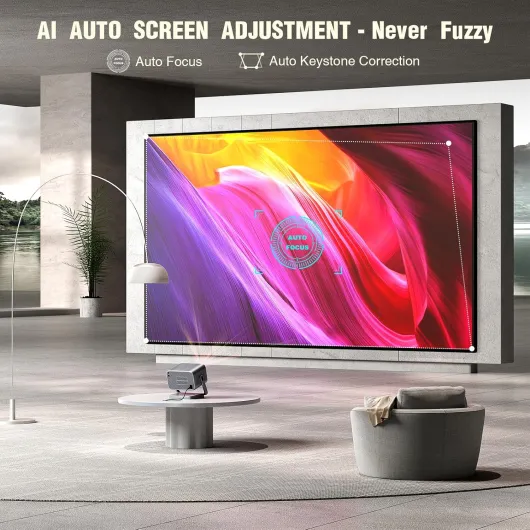
The auto focus and auto keystone are two of the big promises here, and they do make the whole thing less of a hassle. When you move or tilt the projector, it runs a quick adjustment sequence: focus snaps into place in a few seconds and the image straightens itself. In most cases, it got the focus right on the first try. A couple of times it was just a hair off for my taste, but you can nudge it manually in the settings if you’re picky. For everyday use, I basically never had to touch manual focus, which is a big plus compared to older projectors.
Keystone correction also works, but it has limits. It’s fine for mild angle corrections, like when the projector is slightly below or above the center of the wall. But if you push it and put the device far off to one side, you start seeing that blur on one edge and a bit of warping. That’s not unique to this model; it’s just how digital keystone works. The auto obstacle avoidance is a nice little touch – it tries to adjust the image if there’s something like a shelf or a picture frame in the way. It’s not magic, but it did save me from having a menu bar projected onto a plant once.
On the smart side, the built‑in Netflix, YouTube and Prime Video apps are honestly what make this thing feel complete. You plug it in, connect Wi‑Fi, log in once, and that’s it. The interface is basic and a bit barebones compared to a Fire Stick or Apple TV, but it gets the job done. App launching is not instant, but it’s not painfully slow either. I didn’t have any major crashes or freezes during my testing. One downside: screen mirroring from phones can be hit or miss. Like one reviewer said, it can be fussy. I ended up using HDMI or just the native apps instead of relying on casting.
Wi‑Fi 6 and Bluetooth 5.2 sound fancy, but in practice the main point is: streaming is stable and connecting Bluetooth speakers takes under a minute. I had no serious lag between picture and sound with my Bluetooth stereo, which is something I was worried about. So in terms of effectiveness as a simple home cinema box, it does pretty well: you point it, it focuses, it straightens, you open Netflix, done. Just don’t expect perfect casting support or miracles if you put it in a weird position in the room.
Pros
- Good 1080p picture quality and decent brightness in dim rooms for a relatively low price
- Official Netflix and other apps built in, so you can use it without an extra streaming stick
- Auto focus and keystone work well enough to make setup quick and painless
Cons
- No built-in battery or USB-C power, so you always need a mains socket or power station
- Fan noise is noticeable in quiet scenes and at low listening volumes
- Edges can get slightly blurry if you rely on heavy keystone from an off-axis position
Conclusion
Editor's rating
After using the VOPLLS M10 for a while, my overall feeling is: it’s a solid, no‑nonsense home projector that does what most people want without too much messing around. The picture in a dim room is sharp and bright enough, the built‑in Netflix and other apps work properly, and the auto focus/keystone means you’re not constantly fiddling with settings. It’s not a toy – you can genuinely use it as your main way to watch series and films if you mostly watch in the evening.
It’s not all perfect. There’s no built‑in battery, so “portable” just means you can move it easily, not that you can forget about power sockets. The fan is audible, especially at low listening volumes. Screen mirroring is a bit flaky, and if you place it at a strong angle, one side of the image can go slightly blurry. The interface is also fairly basic compared to a good streaming stick. But none of these were deal‑breakers for me, more like things you notice and then work around.
Who is it for? People who want a big screen on a budget, watch mostly in the evening, and like the idea of an all‑in‑one box with Netflix built in will be pretty happy here. It’s also good for families who want occasional movie nights in the living room or kids’ room without buying another large TV. Who should skip it? If you’re very picky about image perfection, need top‑tier daytime brightness, or want a fully battery‑powered portable projector, you should probably look at higher‑end or more specialised models. For most casual users though, it’s a good value, practical choice that gets the job done.