
Summary
Editor's rating
Value for money: where it sits vs other options
Design and build: compact and light, but a bit plasticky
No internal battery: not truly portable, but workable with power
Ease of use: autofocus, keystone and daily comfort
Build quality and long-term feel
Image quality, brightness and sound: how it actually performs
What this projector actually offers (beyond the buzzwords)
Pros
- Very easy setup with reliable auto-focus and 6D keystone, even from awkward angles
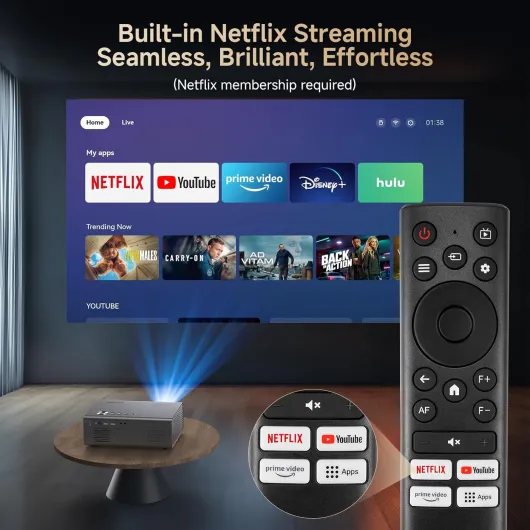
- Built-in Netflix, Prime and YouTube with Wi-Fi 6, so no need for an extra streaming stick
- Good 1080p image with clean 4K downscaling and enough brightness for evening use
Cons
- No built-in battery, so you always need mains power or an extension cable
- Fan noise is noticeable in very quiet scenes
- Remote and overall plastic feel are a bit cheap, and long-term app support is uncertain

Specifications
View full product page →| Brand | KOGATA |
A bedroom projector that might replace your TV (almost)
I’ve been using the KOGATA GC357 4K Smart Projector in my bedroom and living room for a couple of weeks, and I’ll be blunt: it’s the first time I’ve thought, “yeah, I could probably live without a TV.” Not because it’s perfect, but because for the price, it gives you a big screen with very little faff. You plug it in, it focuses itself, logs you into Netflix and Prime, and you’re basically done.
My use is pretty simple: series at night, a football match on the weekend, a few kids’ movies, and some casual Switch gaming. I also tried a couple of PowerPoint and Excel files just to see if the "work" angle was serious or just marketing. I compared it to an older BenQ 1080p projector I have in a shed and a cheap streaming stick I usually use on a regular TV.
The main thing that stood out from day one is how easy the setup is. I didn’t spend 15 minutes nudging the projector, stacking books, and messing with focus like I usually do. It auto-focuses, fixes the trapezoid shape (keystone), and if you bump the table, it adjusts again on its own. That alone makes it way more usable for casual home cinema than the older stuff I’ve used.
It’s not flawless though. It’s still “only” native 1080p, the fan is audible in quiet scenes, and the remote feels cheap. And like most projectors, if you leave the lights on, the image loses a lot of impact. But if you’re mainly using it at night with dim lights and you want built-in Netflix without adding a Fire Stick, it’s a pretty solid little machine.
Value for money: where it sits vs other options
In terms of value for money, I’d say the KOGATA GC357 lands in a pretty sweet spot for casual home cinema. You get a bright enough 1080p image, decent 4K decoding, built-in Netflix/Prime/YouTube, Wi-Fi 6, Bluetooth 5.3, auto-focus, and 6D keystone in one box. If you tried to recreate all that with a dumb projector plus a separate streaming stick plus an external speaker, you’d quickly climb in price and in cable chaos.
Compared to my older BenQ 1080p projector, the image quality is at least as good, sometimes better in darker scenes thanks to HDR support, and the brightness feels slightly higher. But the real difference is the convenience: the BenQ needs a laptop or a stick, manual focus, manual keystone, and more setup time. With the KOGATA, movie night feels like turning on a TV – a couple of clicks and you’re watching something. For families or people who don’t want to fiddle, that has real value.
That said, it’s not unbeatable. If you’re very picky about image sharpness and black levels, a good 4K TV at a similar price will still look better, just on a smaller screen. And if you don’t care about the smart features and already own a streaming stick, you might find a cheaper 1080p projector that gets the job done for movies in the dark, without all the bells and whistles.
For me, the GC357 sits in the “good value for what it offers” category. Not a miracle product, not dirt cheap, but you do get a lot of practical features that genuinely make everyday use easier. If your main goal is a hassle-free big screen for series, films and some sports in a bedroom or living room, the price feels justified. If you’re a hardcore videophile or only watch the occasional movie, you might want to either step up to a higher-end projector or save money with a simpler one.
Design and build: compact and light, but a bit plasticky
Design-wise, the KOGATA GC357 is pretty compact: about 23.8 x 17.7 x 8.8 cm and around 1.35 kg. In normal words, it’s small enough to hold with one hand and easy to move from bedroom to living room or even outside for a movie night. I often just grab it with one hand, the power brick with the other, and that’s it. No massive, noisy box like older projectors.
The grey finish looks decent. It won’t win any design awards, but it doesn’t look cheap from a distance either. Up close, the plastic is clearly plastic – this is not some premium metal chassis. Buttons on the unit are basic but handy if you misplace the remote. The lens sits slightly recessed, which is good: less risk of scratches when you move it around or put it in a bag.
One thing I liked: the mounting options. You can use it as a desktop projector, or ceiling mount it if you want a more permanent setup. I tested it both on a low table and upside down on a basic ceiling mount. The 6D keystone and auto-focus made ceiling mounting much less of a headache than with my old BenQ, where any angle change meant five minutes of tweaking. Ports are standard: HDMI, USB, audio out (3.5mm), plus Wi-Fi and Bluetooth for wireless stuff.
On the downside, it does feel a bit “lightweight” physically. If you’re expecting something tank-like you can throw in a backpack every day, I’d be careful. I wouldn’t call it fragile, but I also wouldn’t drop it or toss it loosely in a bag with metal objects. The remote also feels a bit cheap and flimsy; it works, but it doesn’t give the impression it’ll survive years of abuse. For home use where it mostly sits on a shelf, the design is totally fine and practical, just not premium.
No internal battery: not truly portable, but workable with power
Important point: this projector does not have a built-in battery. You always need to be plugged into mains power (110V according to the specs). So if you had in mind a totally wireless setup on a campsite or in the garden with no sockets nearby, this isn’t that kind of device. It’s portable in terms of size and weight, not in the “take it anywhere with no cables” sense.
For indoor use, this didn’t bother me. In the bedroom and living room, I’ve always got a socket nearby, so the only thing I needed to think about was cable length and not tripping over it. For an “outdoor cinema” test, I ran an extension cable into the garden, hung a sheet on the wall, and it worked fine. Once you accept you need power, the fact that it’s only 75W is actually a plus: you can run it off a decent power station if you really want a semi-mobile setup.
The lack of a battery also means there’s no charging time or battery wear to worry about. You turn it on, it’s on. Turn it off, it’s off. For many people that’s simpler and probably more reliable long term. The trade-off is obvious: you can’t just throw it in a bag and use it anywhere like a Bluetooth speaker. You always have to think about where to plug it.
If you’re specifically looking for a battery-powered projector for camping or travel, this is the wrong product. If you just want something to move between rooms or occasionally into the garden with an extension lead, the lack of a battery is more of a detail than a deal-breaker. Personally, I didn’t miss it, but it’s good to be clear about it before you buy.
Ease of use: autofocus, keystone and daily comfort
Where this projector really earns its place is comfort and ease of use. I’m lazy with setup; if something takes 10 minutes to adjust every time, I stop using it. With the GC357, I literally drop it on a shelf, point it at a white wall, and within a couple of seconds the autofocus kicks in, sharpens the image, and the 6D keystone makes the picture rectangular even if the projector is a bit off to the side.
The auto obstacle avoidance and edge detection are also handy. When I tested it in a smaller room where a picture frame was partially in the projection area, the projector shrank and moved the image to avoid it. It’s not perfect – sometimes it overshoots and you have to nudge the settings – but it saves a lot of manual tweaking. Compared to my old projector where I had to crawl on the floor and rotate tiny wheels to fix focus and keystone, this feels much more “plug and play”.
Menu navigation is straightforward. The remote has a decent layout, and the interface is simple enough that even my kids managed to switch from Netflix to YouTube without asking me. Wi-Fi 6 connectivity has been solid. I streamed full matches and long films without buffering, whereas with my older streaming stick on the same Wi-Fi I sometimes got those annoying spinning circles. Screen mirroring from my phone worked, but I mainly stuck to the native apps because it’s just simpler.
Day to day, the comfort factor is what makes this easy to recommend for casual users. You don’t need to be a tech nerd. The only comfort downsides: the fan noise in quiet scenes, and the fact that if you move it a lot between rooms, you’ll sometimes have to re-tweak zoom or keystone because the auto-correction isn’t always perfect. Still, it’s miles ahead of older budget projectors where every session started with five minutes of fighting with the settings.
Build quality and long-term feel
I obviously haven’t used this projector for years, so I can’t comment on true long-term durability, but after a couple of weeks of daily use, I’ve got a decent feel for the build quality. The unit itself feels solid enough when you pick it up – no creaks, no loose parts, no weird rattling when you move it around. The lens stays clean and the focus mechanism hasn’t drifted or gone soft after being moved between rooms several times.
The cooling system is clearly doing its job: after a long film, the projector is warm but not burning hot. The fan runs constantly but doesn’t ramp up to crazy levels, which usually means the internal components aren’t being cooked. That’s important if you plan to use it a few hours every evening. I also didn’t get any random shutdowns or overheating warnings, which I’ve seen on cheaper mini projectors after long sessions.
Where it feels less “premium” is mainly the remote and the general plastic feel. The remote is light and a bit toy-like. It works, the Bluetooth connection is responsive, but if anything is going to break first, I’d put money on the remote. The plastic casing of the projector is fine for home use, but I wouldn’t throw it loose into a backpack with heavy items. A padded case or at least wrapping it in something soft would be smart if you move it around a lot.
There’s mention of 24-hour after-sales support via email, which is nice, but there’s no clear info on how long software updates are guaranteed. That’s something to keep in mind: if apps like Netflix change requirements in a few years, you might end up relying on an external streaming stick anyway. Hardware-wise, though, nothing in my short test suggests it’s fragile. Treat it like normal electronics, don’t drop it, don’t cover the vents, and it should hold up reasonably well.
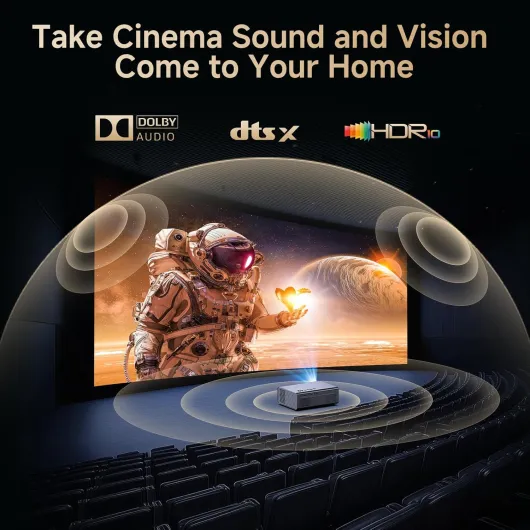
Image quality, brightness and sound: how it actually performs
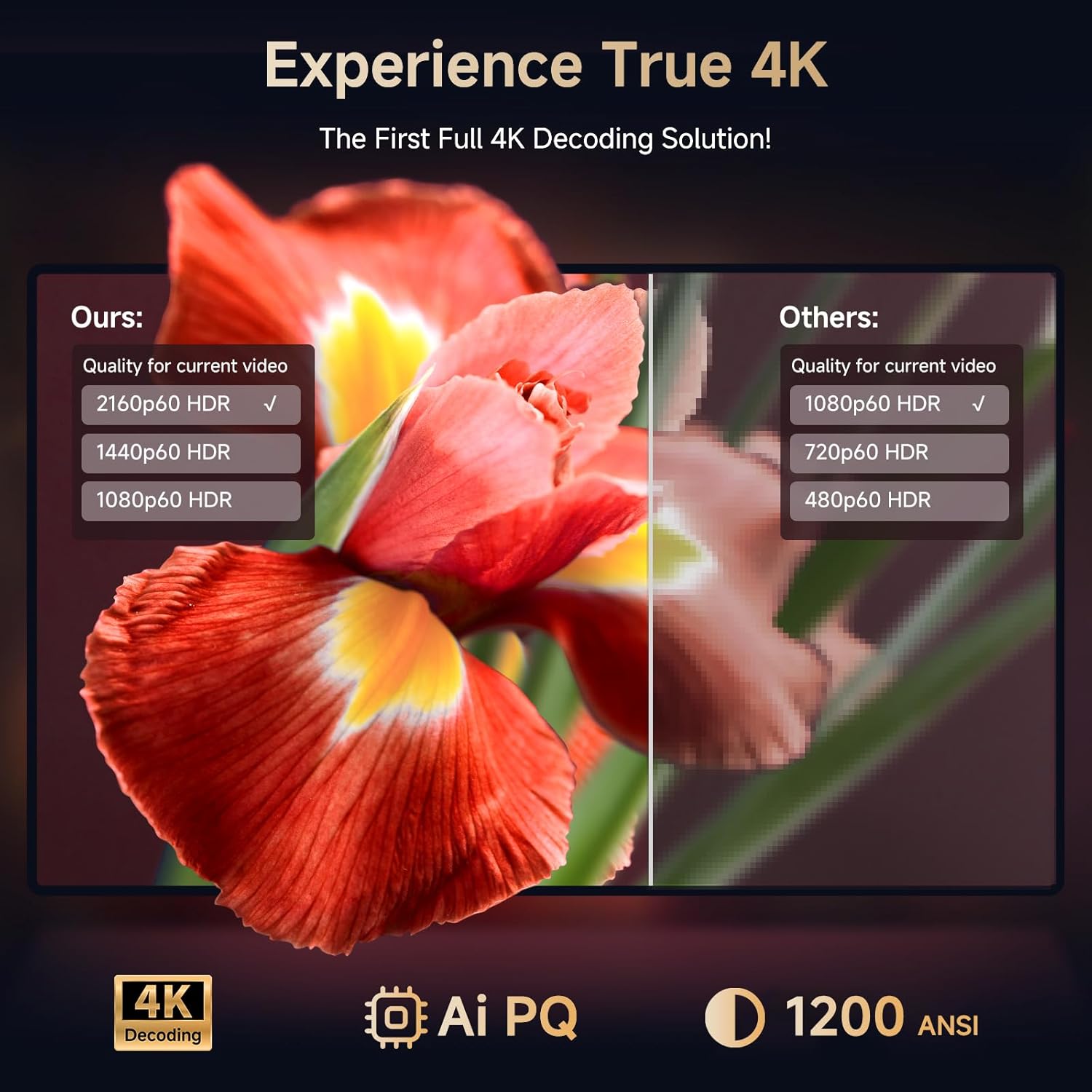
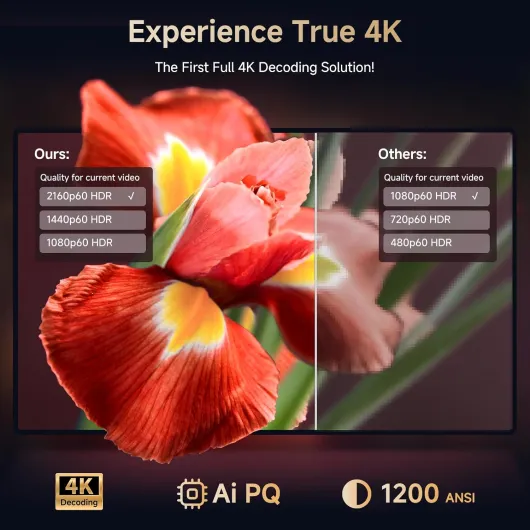
Let’s talk about the important part: picture and sound. The projector is native 1080p but can decode 4K. In practice, when I streamed 4K content from Netflix or Prime, it downscaled cleanly. You don’t get true 4K sharpness like on a high-end TV, but for a 2–3 meter wide image in a bedroom or living room, it looks very good. Text in menus is clear, faces look natural, and I didn’t notice any weird artifacts. The AI picture processing isn’t magic, but it does keep colours from looking fake or overly saturated.
Brightness is rated at 1200 ANSI lumens. Here’s how that felt in real life: in the evening with curtains half closed, it’s absolutely fine. With full lights on, the image is obviously washed out, but still watchable for cartoons or casual viewing. During the day with sunlight directly on the wall, it struggles like pretty much every projector in this price range. If you want a true daylight cinema, you need a much brighter (and more expensive) unit and probably a proper screen. For normal home use at night, I had no issues and the image looked crisp.
HDR10+ and Dolby Vision support are there. On Netflix and Prime, HDR content looked a bit punchier, especially in dark scenes and sports. Don’t expect the same effect you get on a good OLED TV, but contrast is decent and shadow detail is better than on my old 1080p BenQ. For football matches, the grass looked a bit more vivid and the ball was easier to follow. For animated films, colours are strong without going cartoonishly neon.
Sound-wise, the built-in speakers are better than I expected. They’re not going to replace a soundbar, but for a bedroom setup, they’re totally usable. Dialog is clear, and they fill a medium room without distortion at normal volumes. For something more punchy, I paired it with a Bluetooth soundbar and a pair of headphones; Bluetooth 5.3 worked well, no noticeable lag for movies. For gaming, I’d still stick to wired audio to avoid any delay. The only annoyance: the fan. It’s not super loud, but in very quiet scenes you do hear a low hum. After a while I stopped noticing it, but if you’re very sensitive to noise, you’ll pick it up.
What this projector actually offers (beyond the buzzwords)
On paper, the KOGATA GC357 throws a lot of keywords at you: 1200 ANSI lumens, native 1080p with 4K decoding, Wi-Fi 6, Bluetooth 5.3, AI auto-focus, 6D keystone, HDR10+, Netflix and Prime preinstalled, Dolby Vision and DTS-compatible sound, and so on. In practice, here’s what that meant for me in day-to-day use: I could plug it in, connect it to Wi‑Fi, log into Netflix, and start watching something in under 10 minutes without needing another device.
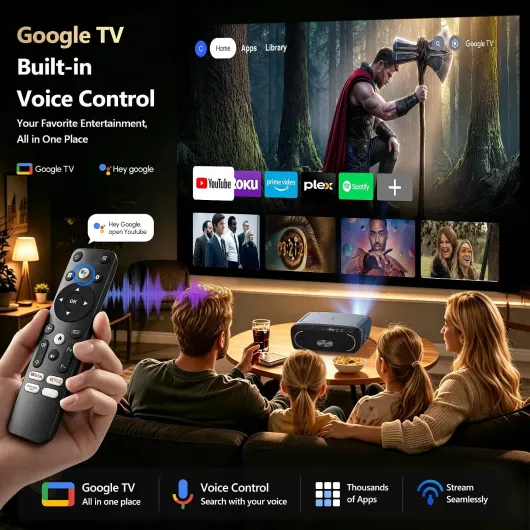
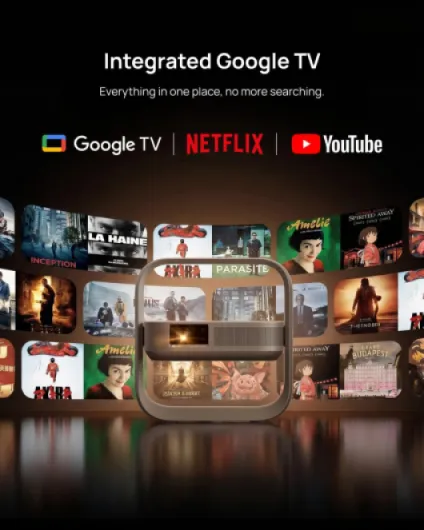
The built-in system feels like a basic smart TV interface. There are official apps (Netflix, Prime Video, YouTube) plus the option to add more through their store or via the browser. I didn’t hit any weird blocks with Netflix, which is good, because a lot of cheaper projectors force you to plug in a separate stick for that. The internal storage (2+8GB) is enough for a handful of apps; you’re not going to turn this into a full media server, but for streaming it’s fine.
I also tested it as a “work” device. I loaded a PowerPoint and a couple of Excel sheets via HDMI from a laptop and via a USB stick. Through HDMI it’s totally normal – it’s just a screen. Through the built-in system, you can open basic office files, but I wouldn’t rely on it for serious editing. It’s okay for displaying slides or simple tables in a small meeting or classroom, but typing and heavy editing is just awkward with a remote.
Overall, the main value for me is that it behaves like a TV with a built-in streaming box plus a projector. No need to juggle extra cables and dongles if you don’t want to. If you already own a Fire Stick or Apple TV and you’re happy with that, the smart part is less of a selling point. But if you’re starting from scratch, having Netflix and Prime working out of the box is a real practical advantage.
Pros
- Very easy setup with reliable auto-focus and 6D keystone, even from awkward angles
- Built-in Netflix, Prime and YouTube with Wi-Fi 6, so no need for an extra streaming stick
- Good 1080p image with clean 4K downscaling and enough brightness for evening use
Cons
- No built-in battery, so you always need mains power or an extension cable
- Fan noise is noticeable in very quiet scenes
- Remote and overall plastic feel are a bit cheap, and long-term app support is uncertain
Conclusion
Editor's rating
Overall, the KOGATA GC357 4K Smart Projector is a solid choice if you want big-screen cinema at home without turning your living room into a cable jungle. The key strengths are clear: easy setup with auto-focus and 6D keystone, built-in Netflix/Prime/YouTube that actually work, Wi-Fi 6 for stable streaming, and picture quality that’s genuinely good for a native 1080p projector in this price range. In a dim or dark room, films and football look sharp, colours are strong without going cartoonish, and the built-in speakers are perfectly usable in a bedroom.
It’s not perfect. There’s no built-in battery, so “portable” still means you need a socket or an extension lead. The fan is audible in quiet scenes, the remote feels a bit cheap, and long-term software support for the built-in apps is a question mark. Also, if you’re expecting true 4K performance like on a high-end TV or projector, this isn’t it – it’s a very good 1080p projector that handles 4K sources well, not a reference home cinema device.
If you’re a regular user who wants an easy, big-screen setup for series, films, sports and some casual gaming, especially in a bedroom or small living room, this projector makes a lot of sense. If you’re a videophile chasing perfect blacks and absolute silence, or you need something fully battery-powered for travel, you should look elsewhere. For most people wanting a simple home cinema upgrade, though, it gets the job done and feels like decent value.